
Collect useful evidence for a Chat problem
Collect useful evidence for a Chat problem in Cortex Chat: practical steps, setting explanations, result checks and troubleshooting.
A useful report identifies which setting, conversation and operation failed without publishing account secrets or private transcripts. Distinguish sign-in, Sessions runtime, app connection, tool policy and destination errors so support can investigate the right layer.
Before you start
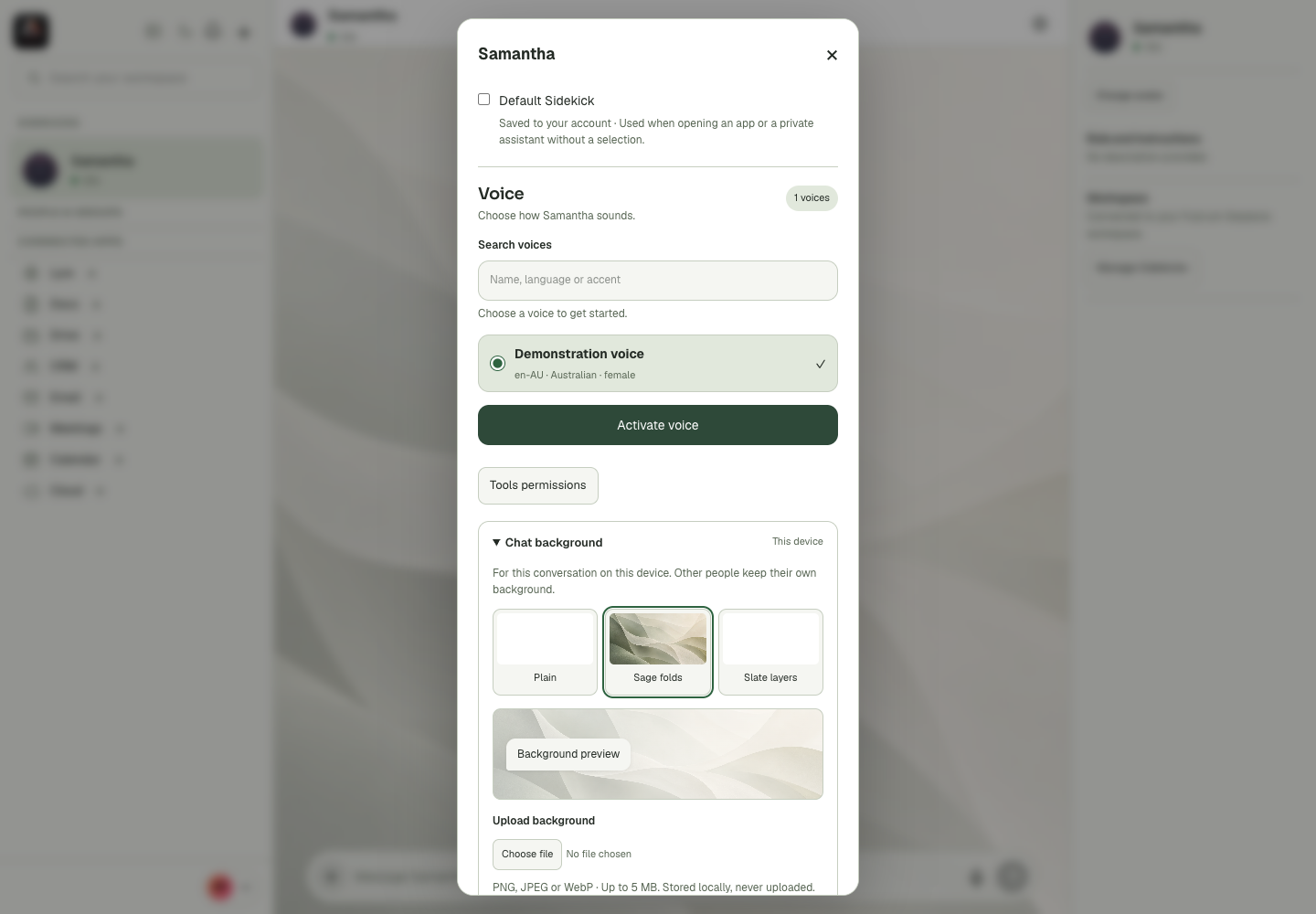
Appearance, layout, notification sounds and some cached history are device/browser state. The interface explicitly marks a conversation background as This device and distinguishes an account-saved default Sidekick from a cached value. Another participant or device may therefore look different without anything being broken. A cached conversation is useful while reconnecting but does not prove that identity is currently verified or that a new message reached the server. Preserve useful drafts before clearing browser storage. When troubleshooting, distinguish browser permission, local preference, network availability and external service state instead of treating them as one setting.
Step-by-step
- Record the visible error, approximate time and the action you attempted.
- Check the current account context and relevant assistant/app status, using a harmless read where appropriate.
- Share a redacted screenshot and concise reproduction through the intended support channel, stating any incomplete or uncertain action.
What the settings mean
| Control or state | Meaning |
|---|---|
| Device preference | A setting whose effect is local to this browser or device. |
| Account preference | A value confirmed as saved to the signed-in account. |
| Cached history | Previously stored conversation content, not a new server result. |
| Browser permission | Microphone, sound or notification authority outside the app switch. |
Check the result
The report is actionable and does not expose passwords, tokens, private invite links or unrelated customer content.
If it does not work
If the failed action might already have sent, booked or paid, inspect its destination before retrying. A timeout alone does not establish that nothing happened.
Continue with the right context
Return to the Cortex Chat guide index to choose another task. Keep the current account, assistant and conversation in view when following the next guide. To use the product, open Cortex Chat.
- Switch between light and dark mode
- Choose a conversation background
- Upload or remove a custom chat background
Last updated