
Fulcrum Code: your coding teammate
Get started with Fulcrum Code: install the terminal coding agent, sign in, choose a model, plan a change and verify the result in your project.
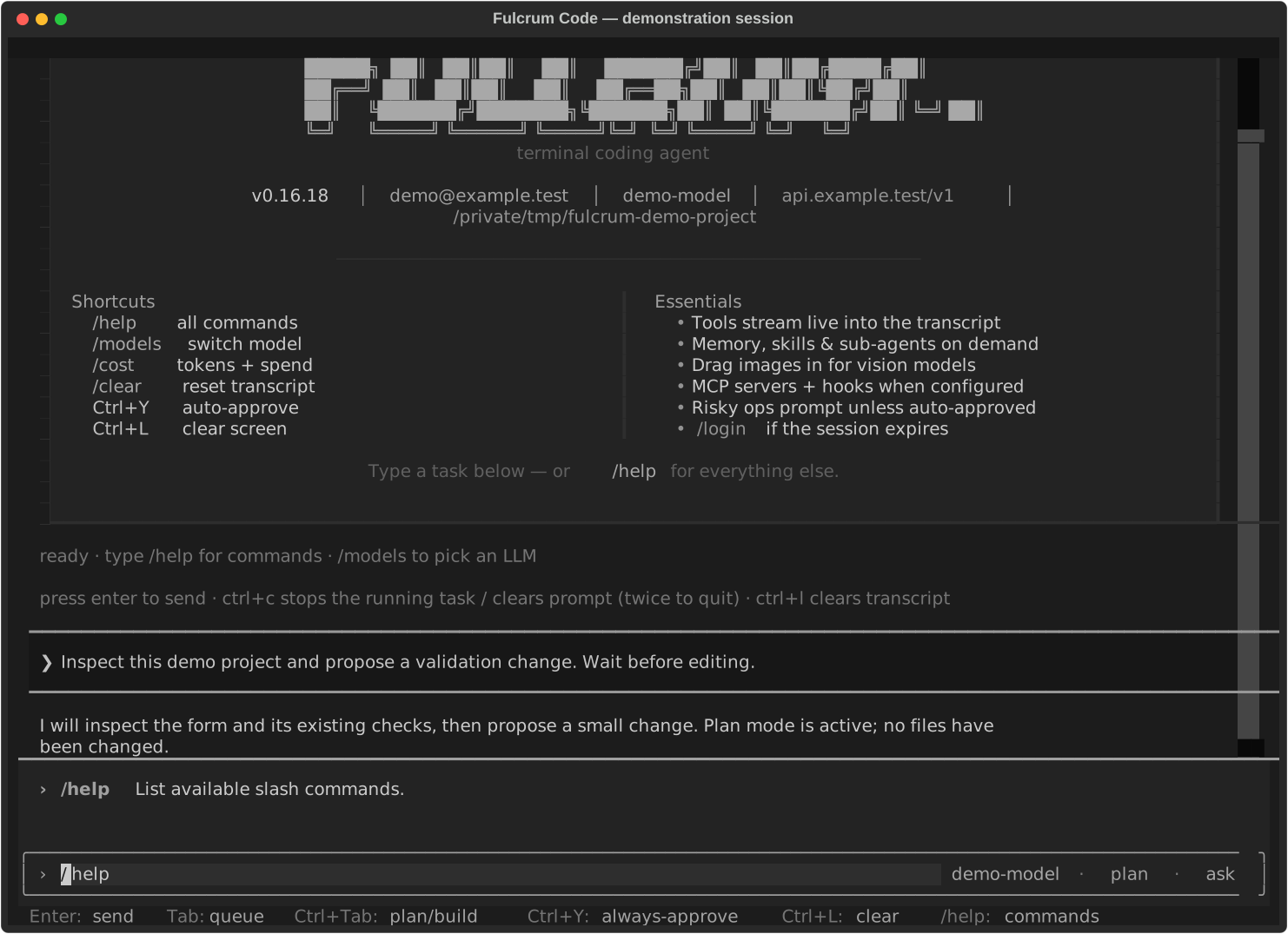
Fulcrum Code is the terminal coding agent in the Fulcrum family. It can investigate a repository, edit files, run commands and tests, use code intelligence, and delegate focused work to subagents. You work in your own project directory and describe the outcome in plain language.
What you need
- A Fulcrum account and access to the model service.
- A supported macOS, Linux or Windows installation.
- A project folder you are authorised to work on. A Git repository gives you a practical way to review and recover changes.
Your first useful task
- Follow Install and sign in, then open your terminal in the project folder.
- Run
fulcrum. Enter/modelsto choose from the managed model catalogue. - Enter
/plan, then ask: “Find where this project validates form input. Explain the current behaviour and propose the smallest improvement. Wait before editing.” - Read the plan. When you are ready, enter
/buildand describe the change to make. - Ask the agent to run the relevant checks. Review the diff and the reported results before committing or publishing.
How the main features fit together
| Feature | Use it for | Guide |
|---|---|---|
| Plan and Build | Investigate first, then make changes | Plan, build and review |
| Files, shell, search and LSP | Find code, edit it and run checks | Tools and worktrees |
| Skills and agents | Repeat a method or delegate a focused task | Skills and agents |
| Memory and sessions | Keep useful preferences and resume work | Sessions and memory |
| MCP, hooks and plugins | Connect tools and extend the workflow | Connections and extensions |
| Voice, images and editor integration | Bring richer context into a task | Voice, images and editor |
What counts as finished?
An edited file, a passing test, a Git commit and a live deployment are separate outcomes. Tell the agent which you need and ask for evidence at each stage. For example: “Make the change and run the focused tests; stop before publishing.” If you need a release, explicitly include publication and live verification in the request.
Fulcrum Code is the coding tool. Fulcrum Sessions orchestrates humans and AI across work, while Code inside Cortex explains the wider business use.
Last updated