
Choose a private chat or a group
Choose a private chat or a group in Cortex Chat: practical steps, setting explanations, result checks and troubleshooting.
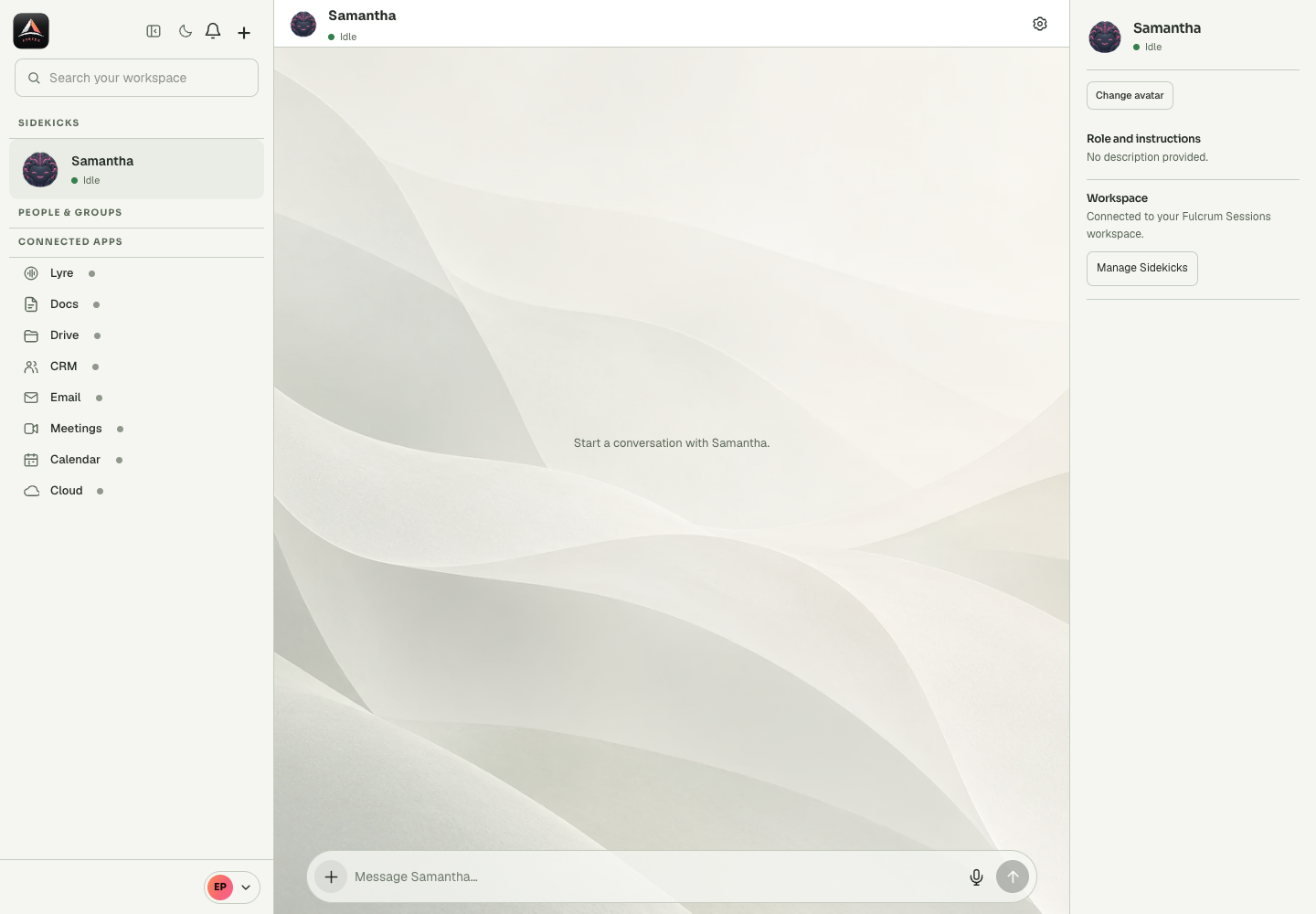
A private Sidekick conversation and a shared group have different audiences and permission contexts. A private question about a group should not accidentally become a message to every member. The Ask a Sidekick panel provides a distinct private assistance surface alongside people or group conversations.
Before you start
Check three separate layers: the identity signed in through Fmail, the Sessions workspace supplying the Sidekick, and the app connection supplying the requested data. One working layer does not prove the others are ready. Start with a harmless read or a draft before asking for an external change. A message to an assistant can contain instructions and source material, but permissions come from the saved account and tool settings. When an operation is unclear, describe the required outcome and ask the assistant to identify the missing stage instead of changing several settings at once.
Step-by-step
- Decide whether the message is intended for the assistant alone or the group.
- Open the corresponding conversation and inspect its heading and participants.
- Use Ask a Sidekick for private assistance about the selected conversation when that is the intended audience.
What the settings mean
| Control or state | Meaning |
|---|---|
| Account | Who is signed in and which personal or company context is being used. |
| Sidekick | The selected assistant and its runtime availability. |
| Application | The connected service and the account it uses. |
| Outcome | The artifact or destination record that establishes completion. |
Check the result
The intended audience can be identified before Send, and a private draft remains separate from a group message.
If it does not work
If you are uncertain where the message will appear, stop and check the active panel. Mentioning a person or Sidekick does not make a shared message private.
Continue with the right context
Return to the Cortex Chat guide index to choose another task. Keep the current account, assistant and conversation in view when following the next guide. To use the product, open Cortex Chat.
- Find your way around Cortex Chat
- Sign in to Cortex Chat with Fmail
- Understand your account and workspace context
Last updated