
Use reusable skill procedures with a Sidekick
Use reusable skill procedures with a Sidekick in Cortex Chat: practical steps, setting explanations, result checks and troubleshooting.
The public skill library contains task procedures, not credentials or automatically connected apps. The Chat Skills and job field and the terminal marketplace are distinct surfaces. Do not assume that pasting a skill name into Chat installed a package on its runtime.
Before you start
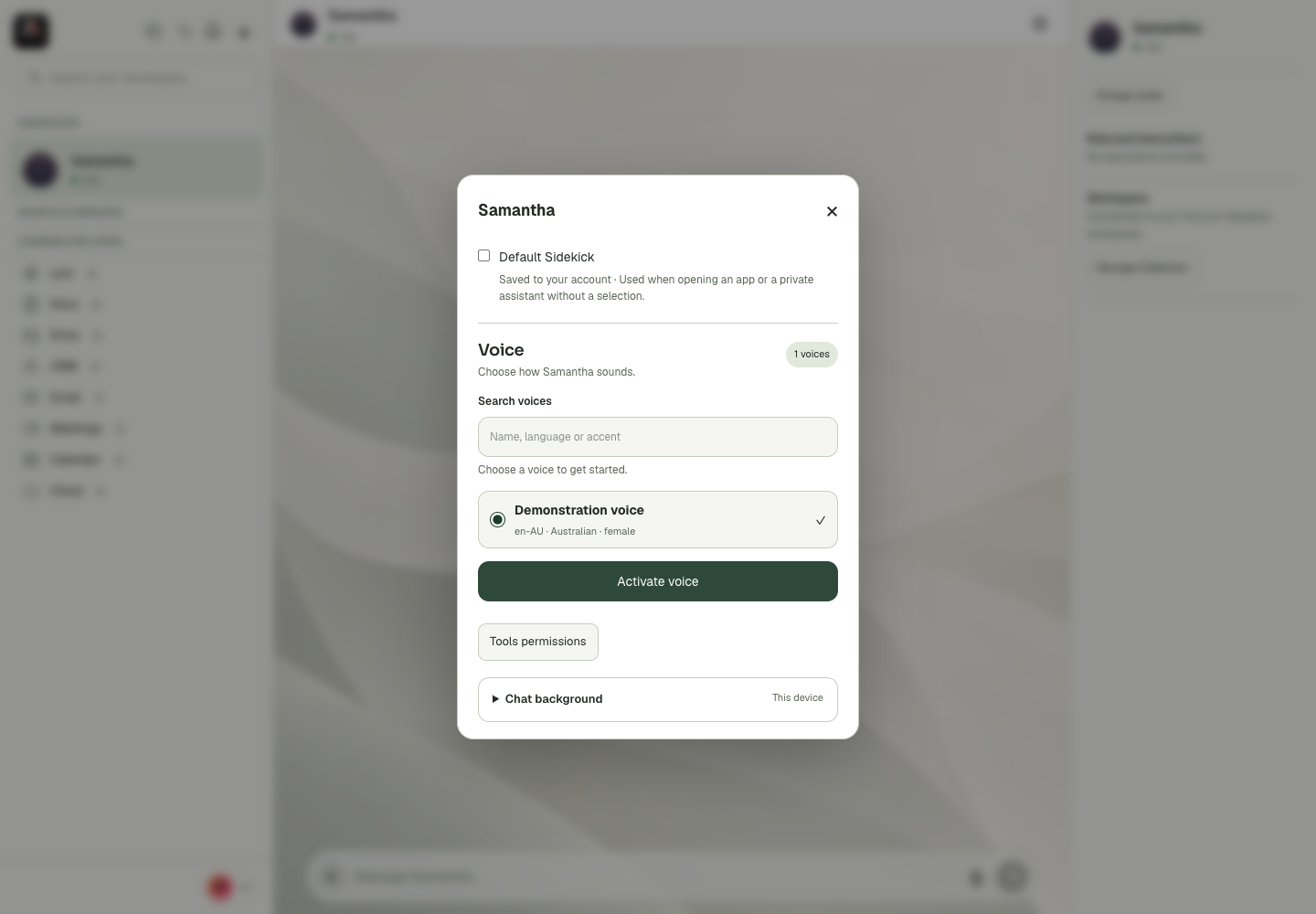
The Sidekick identity, role description, runtime and tool policy describe different things. Name and artwork identify the assistant. Skills and job tell it how to approach work. Sessions determines whether its runtime is available, and saved tool settings determine the operations it can use. An assistant can therefore have a clear job but still be offline or lack a required app permission. Diagnose the specific layer before restarting or replacing it. In particular, removal is not a harmless refresh: the confirmation explains that the transcript is permanently deleted. Preserve the work you need through an appropriate authorised artifact before a destructive action.
Step-by-step
- Open the linked skill file and read the procedure that matches your task.
- Ask the Sidekick to follow that procedure, supplying the intended context and scope.
- If installation is needed, use the runtime’s supported skill setup and verify discovery there rather than inventing a Chat install button.
What the settings mean
| Control or state | Meaning |
|---|---|
| Role | Instructions and specialisation, not automatic credentials. |
| Runtime | Starting, working, restarting and other current availability signals. |
| Default | An account preference used for an implicit assistant selection. |
| Tool policy | Saved allowed operations for the relevant context. |
Check the result
The assistant follows the requested method and accurately states which tools or runtime installation are available.
If it does not work
If a tool is missing, inspect connection and permission settings. See the Code skill guide for the verified terminal marketplace flow.
Continue with the right context
Return to the Cortex Chat guide index to choose another task. Keep the current account, assistant and conversation in view when following the next guide. To use the product, open Cortex Chat.
Last updated