
Plan, build and review a change
Use Fulcrum Code Plan and Build modes, give a precise brief, review tool approvals and verify changes before committing or deploying.
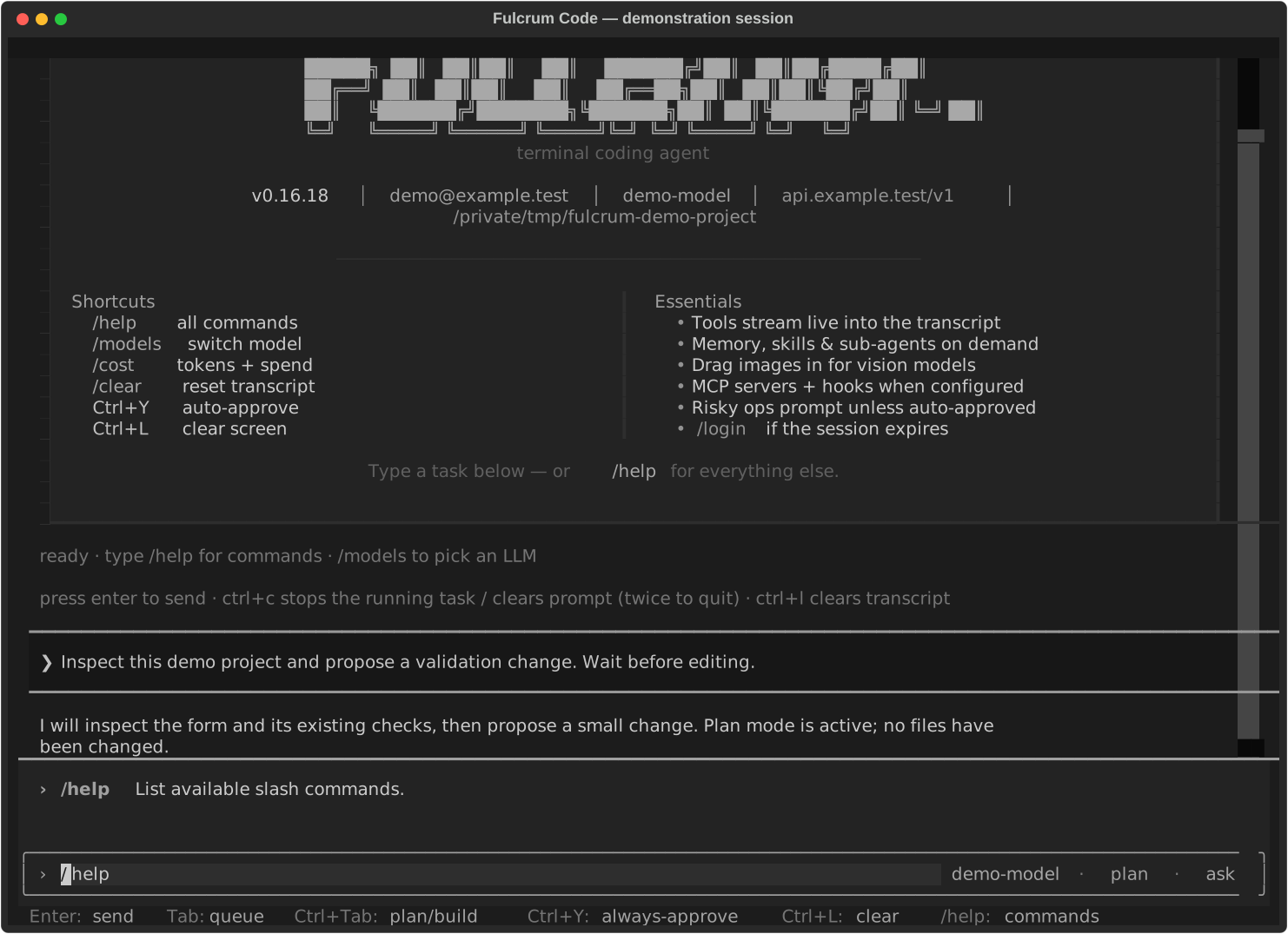
Choose the mode
Plan supports investigation and planning while mutating tools are blocked. Build gives the agent its full tool access, subject to the active approval controls. Switch with /plan, /build, /mode or Ctrl+Tab. A plan is useful before a change spanning multiple files.
Give a brief with a checkable outcome
Find why the contact form accepts a blank name.
Propose a small fix before editing.
Keep the existing design and avoid new dependencies.
After approval, run the form validation tests and show the diff.
Stop before committing or deploying.
Describe the trigger, the expected behaviour, constraints and completion evidence. If you have a reproduction or error, include it. Tell the agent when the issue happens instead of guessing which file it must change.
Move from plan to implementation
- Review the proposed files, approach and checks. Resolve missing requirements.
- Switch to Build and ask for the agreed change.
- Read tool approval prompts before allowing commands or writes. A command may have effects outside the repository.
- Review the final diff and test output. Ask about skipped checks or failures.
- Commit or publish only within the scope you authorised.
Stop or redirect work
Ctrl+C stops the running task or clears the prompt; pressing it twice exits. /cancel cancels work. Tell the agent what to preserve when redirecting it. After interruption, inspect the working tree: stopping a turn does not roll back every command that has already run.
Check more than the summary
Ask which tests ran, whether they passed and which behaviours were checked. Use git diff and git status in your repository to inspect the change independently. A local build cannot prove that a service is live. For a release, request the published revision and a check of the live behaviour.
Recover a mistaken turn
/undo and /redo restore conversation state and available file checkpoints. They are not substitutes for Git history or backups, and cannot be relied on to reverse an external operation such as sending a message or changing a hosted service. See Sessions and memory.
Last updated