
Cortex Chat screenshot tour
See Cortex Chat settings, voices, groups, tool permissions, workspace administration, notifications and mobile screens with screenshots of each screen.
Explore the account, Sidekick, voice, group and workspace settings in Cortex Chat.
Use the task guide index for the complete steps and troubleshooting.
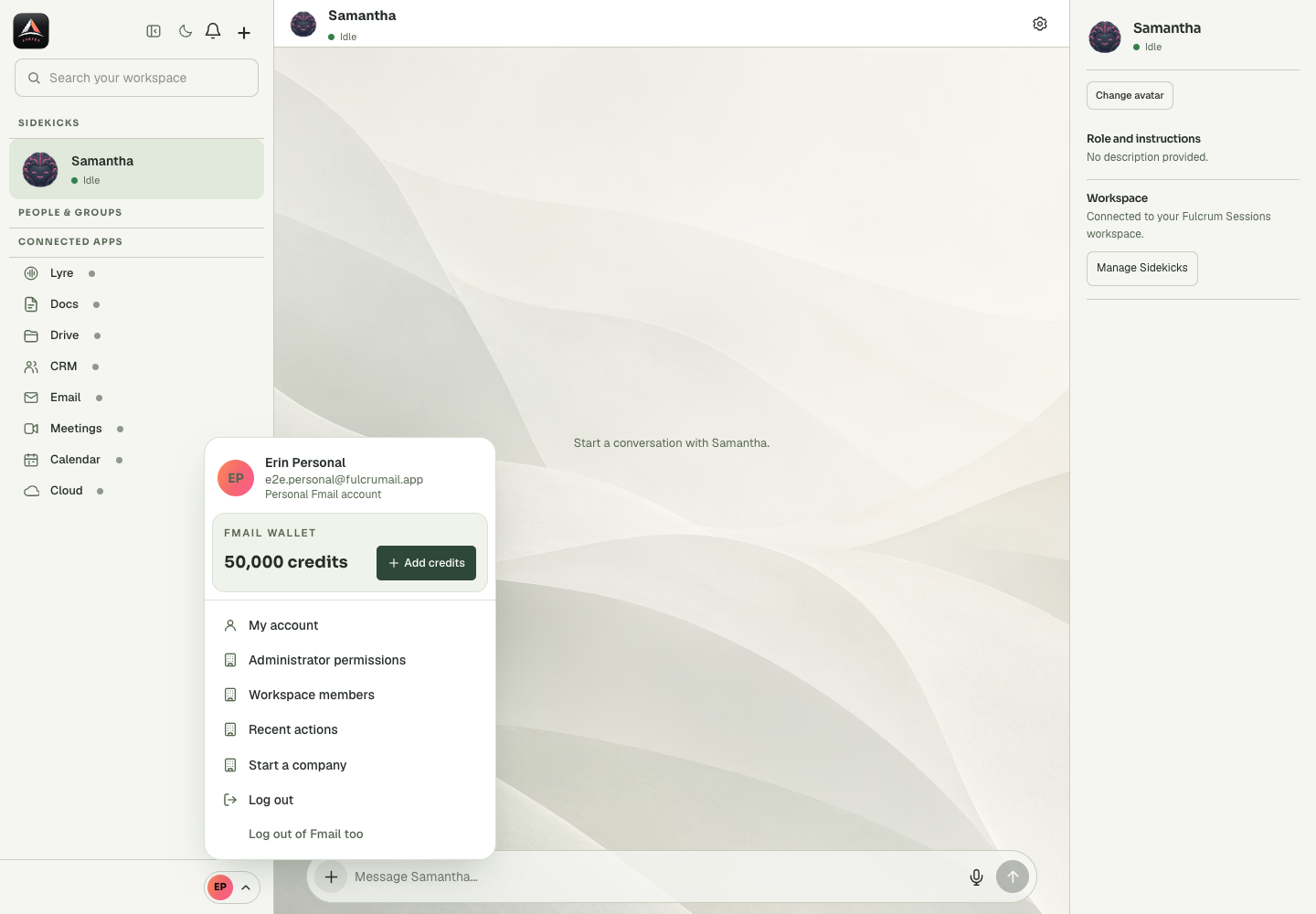
Account Menu
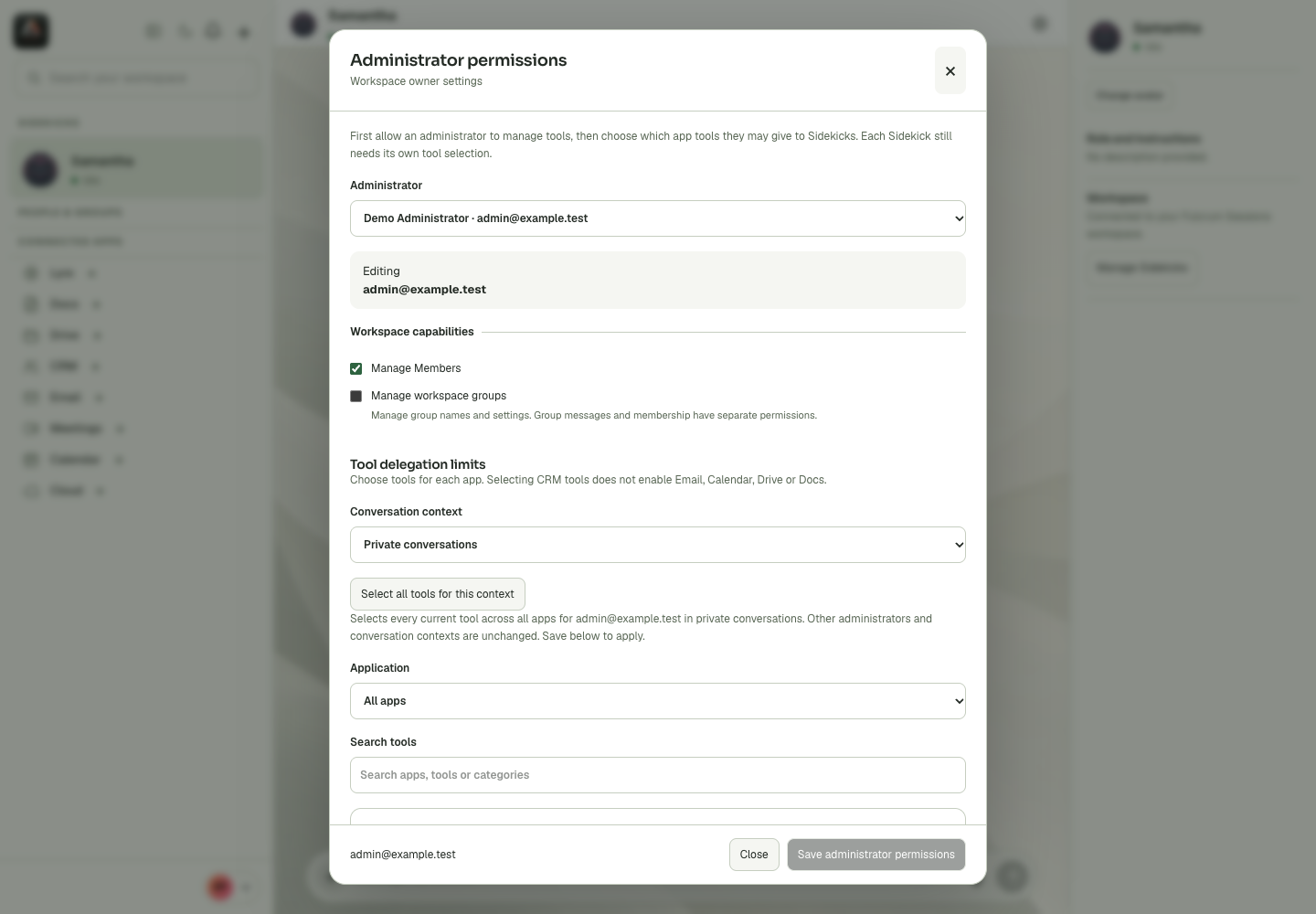
Administrator Permissions
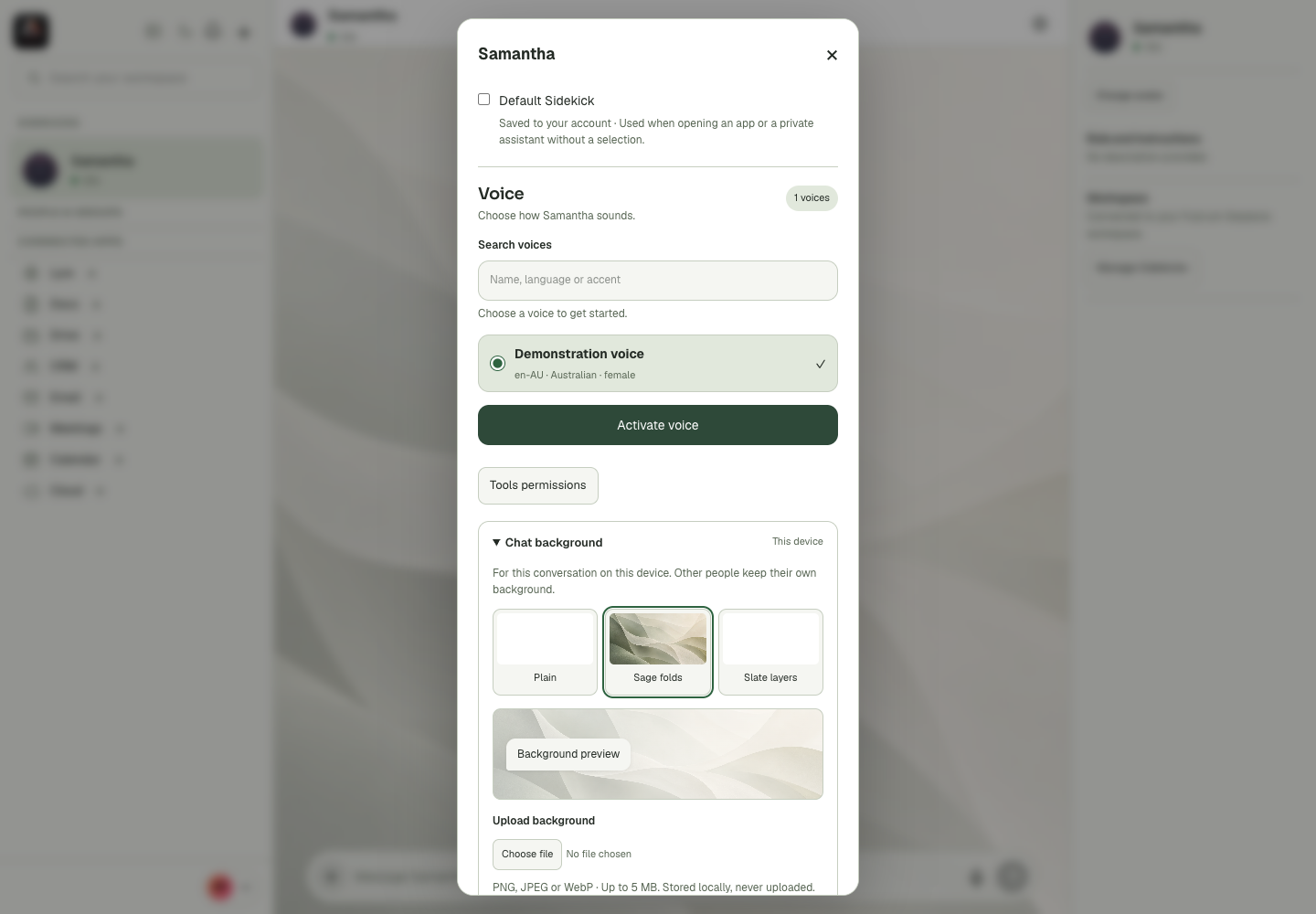
Background Settings
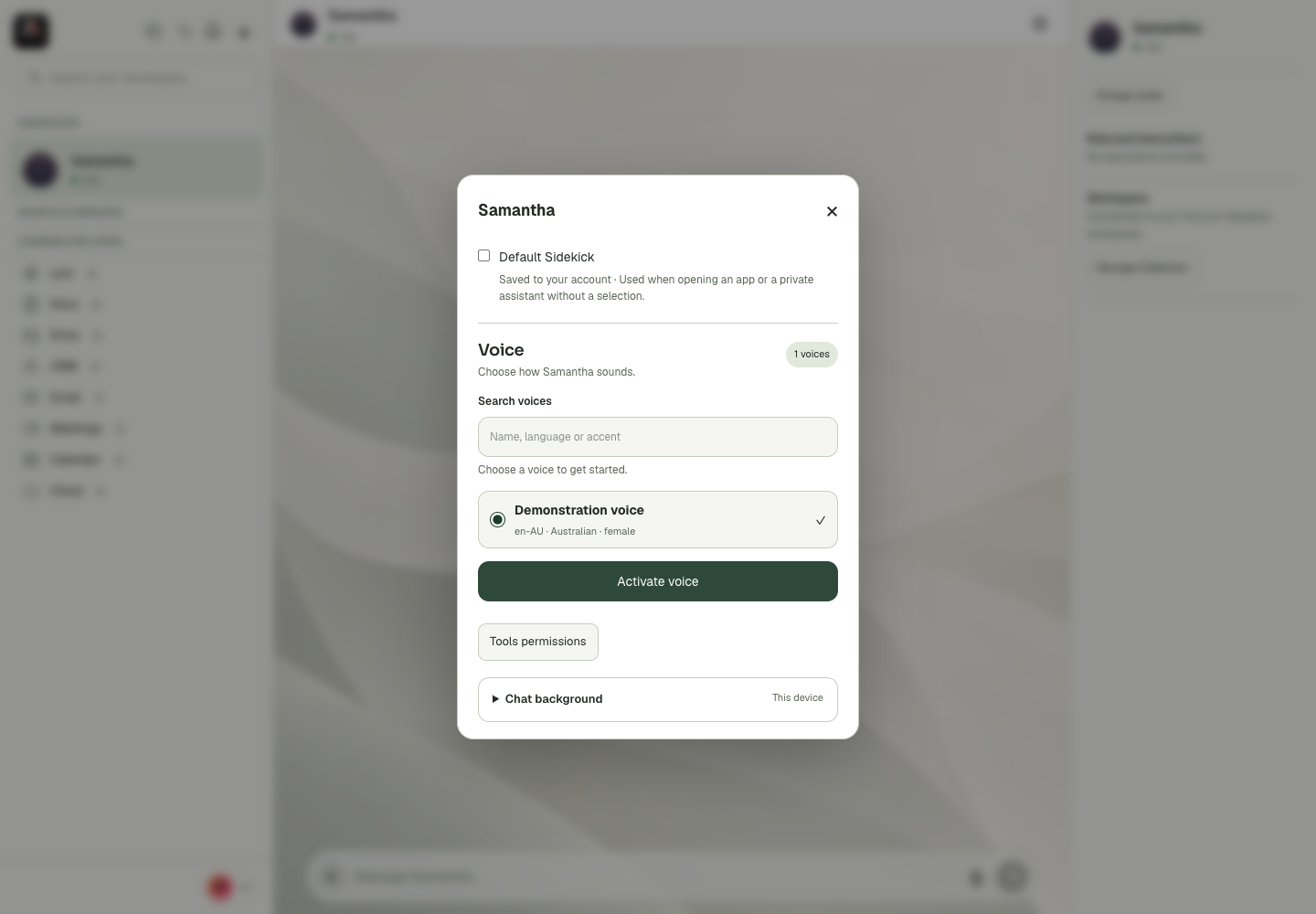
Conversation Settings
Dark Theme
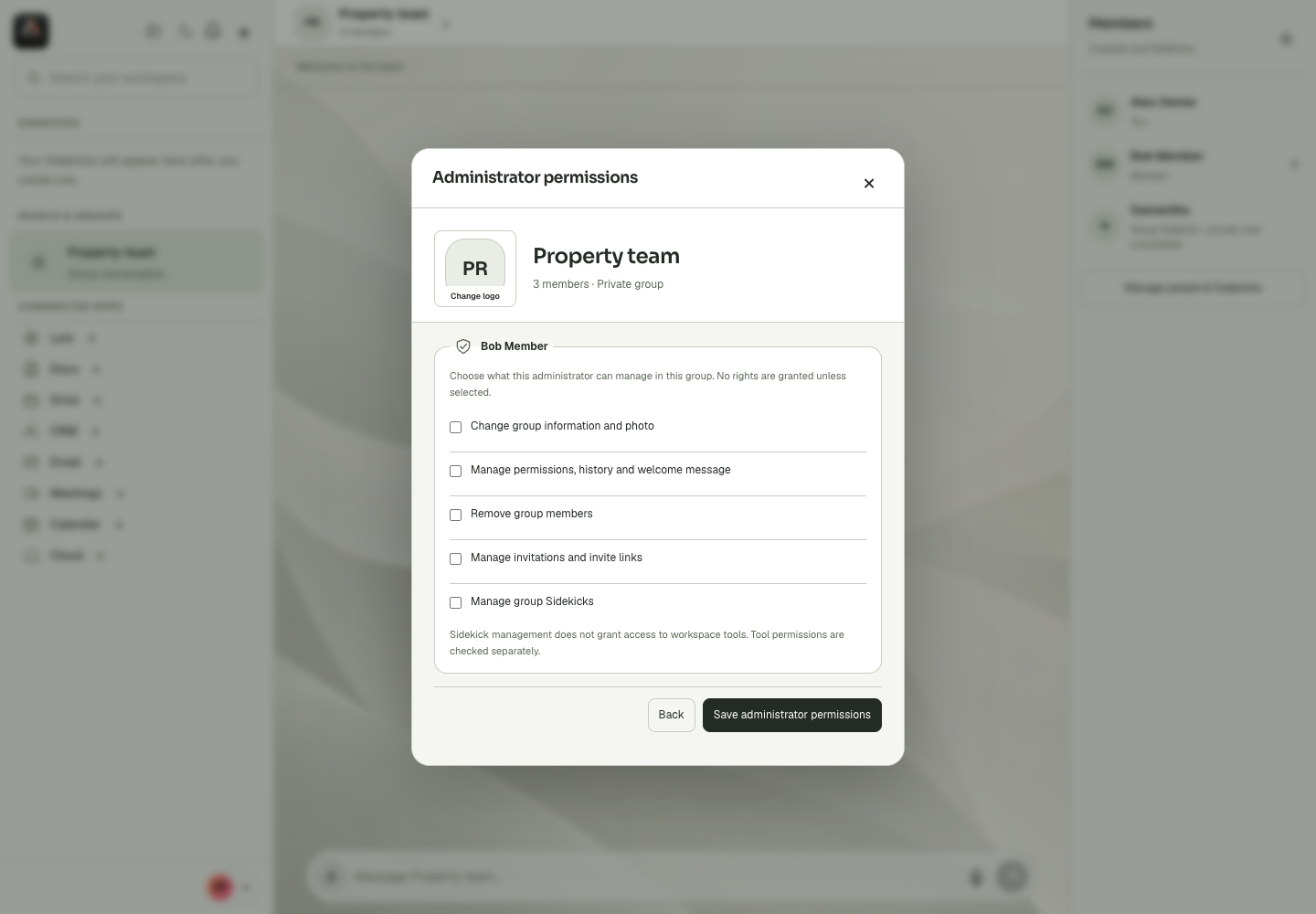
Group Administrator Permissions
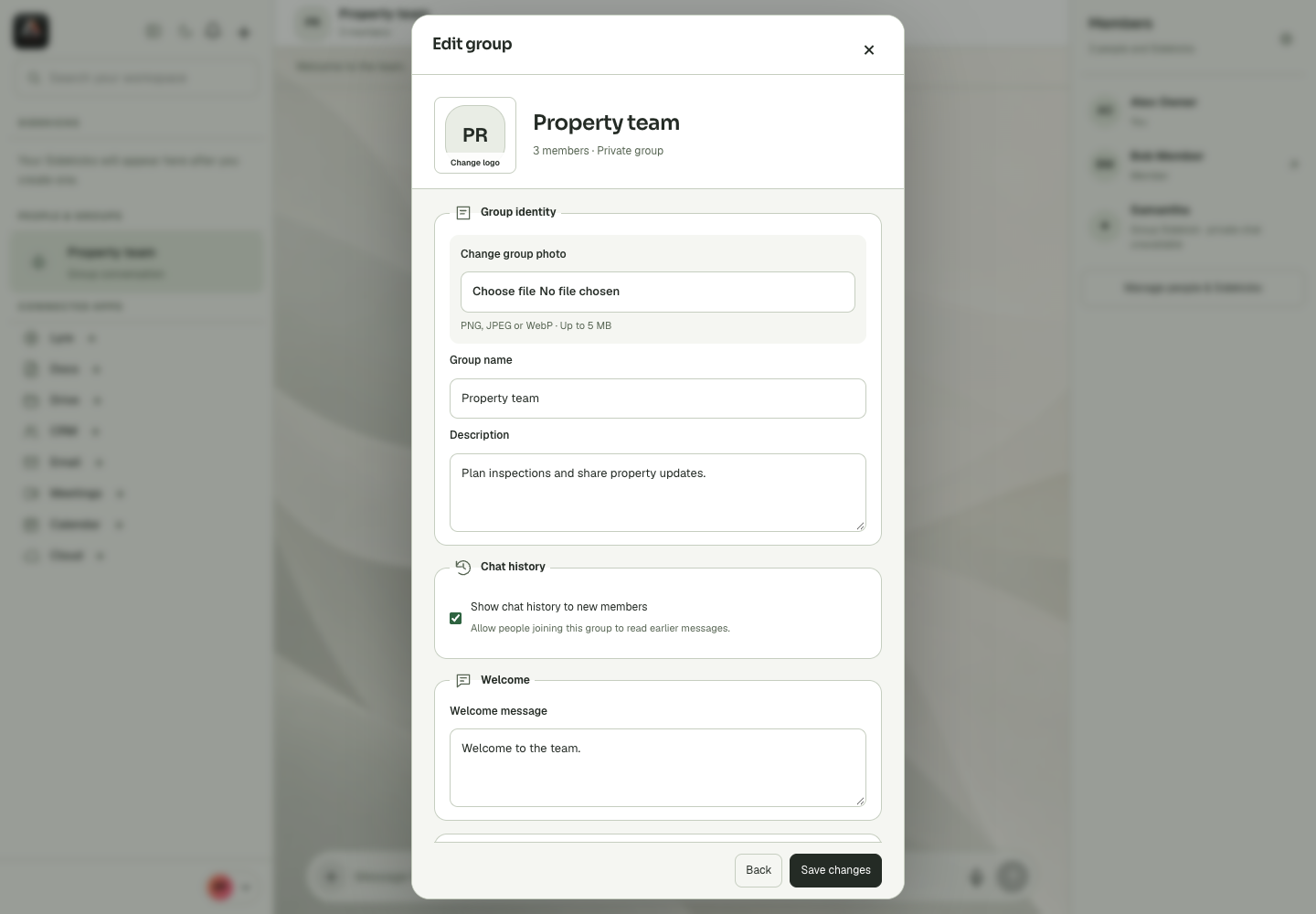
Group Edit Settings
Group Files
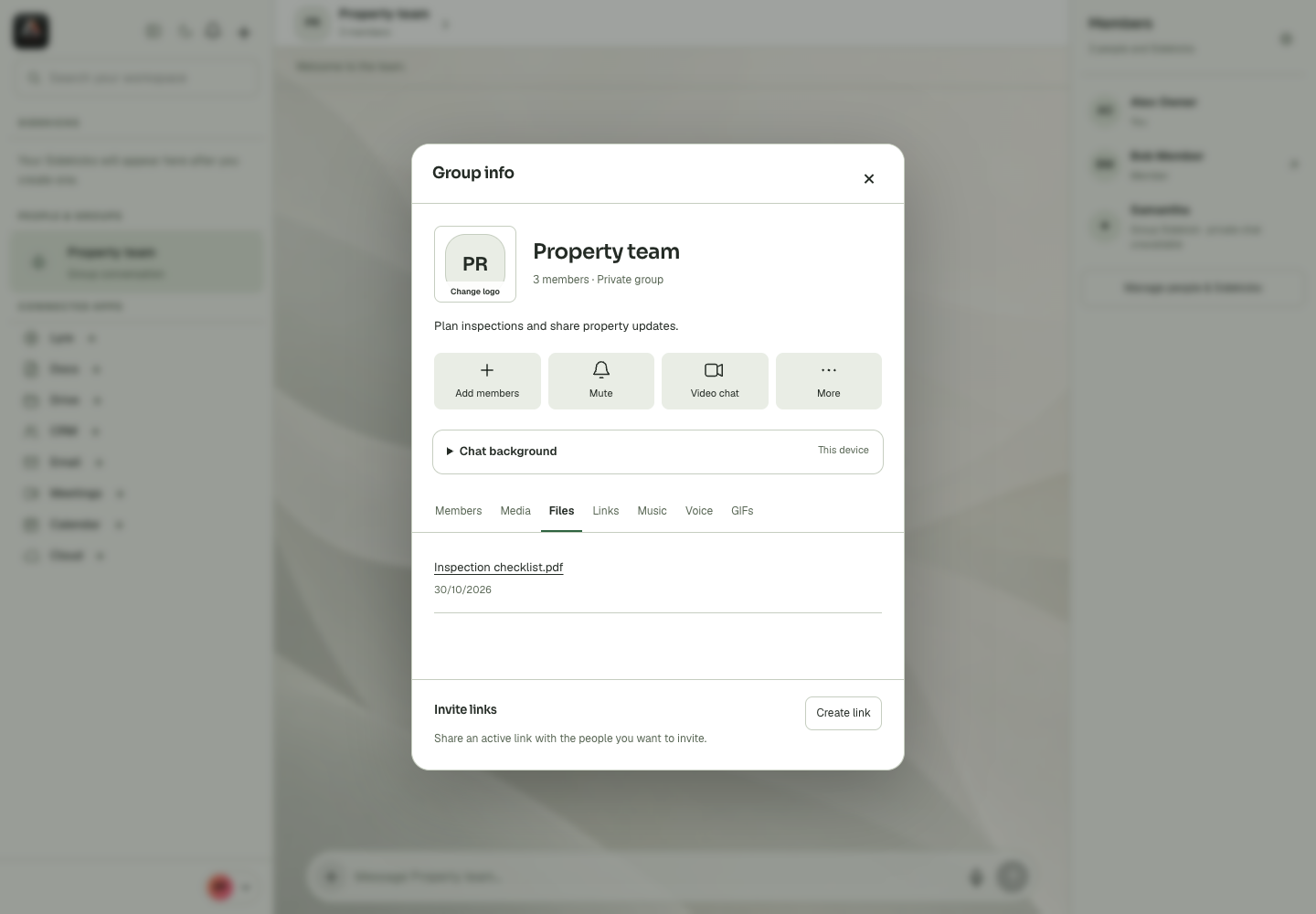
Group Info
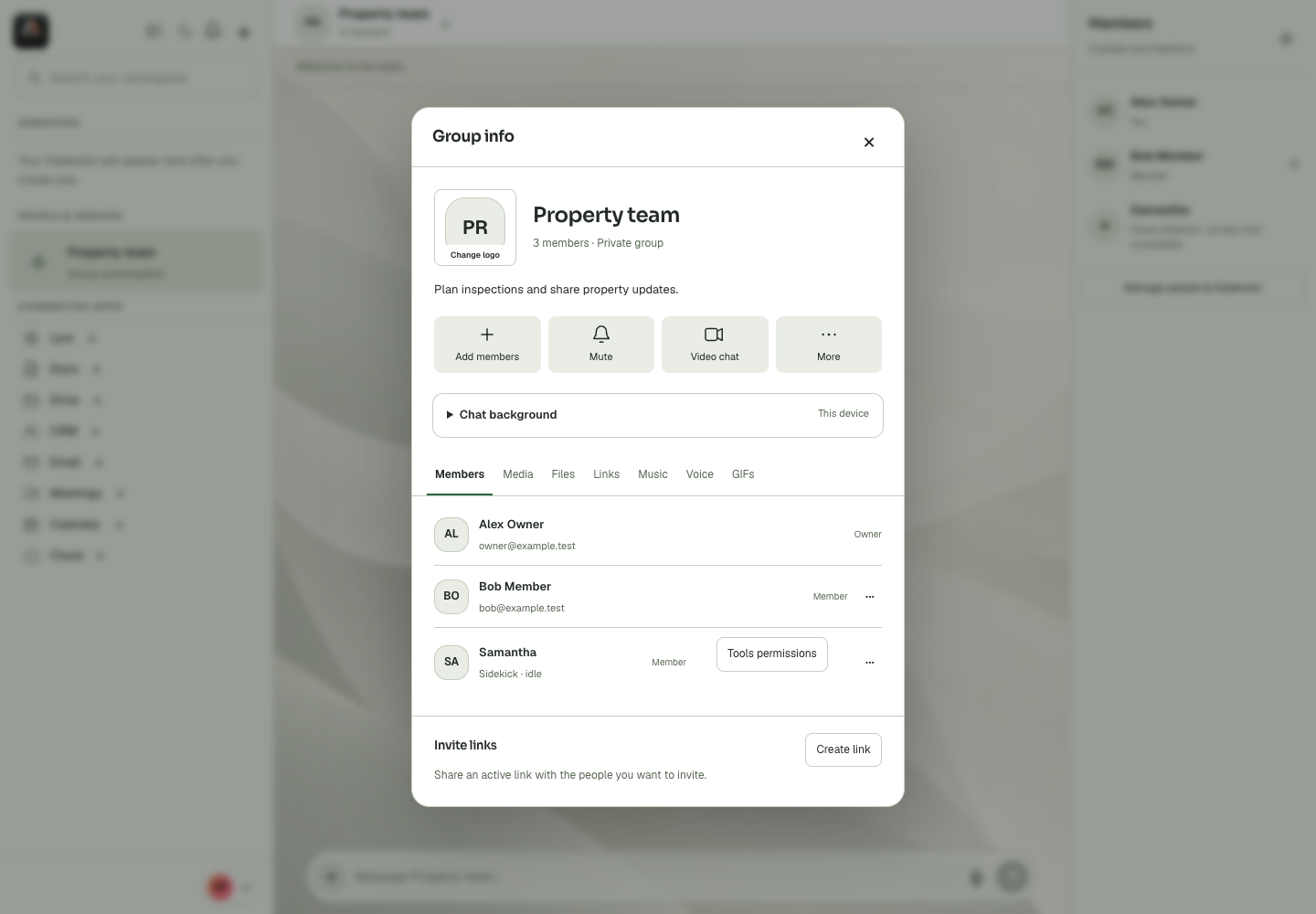
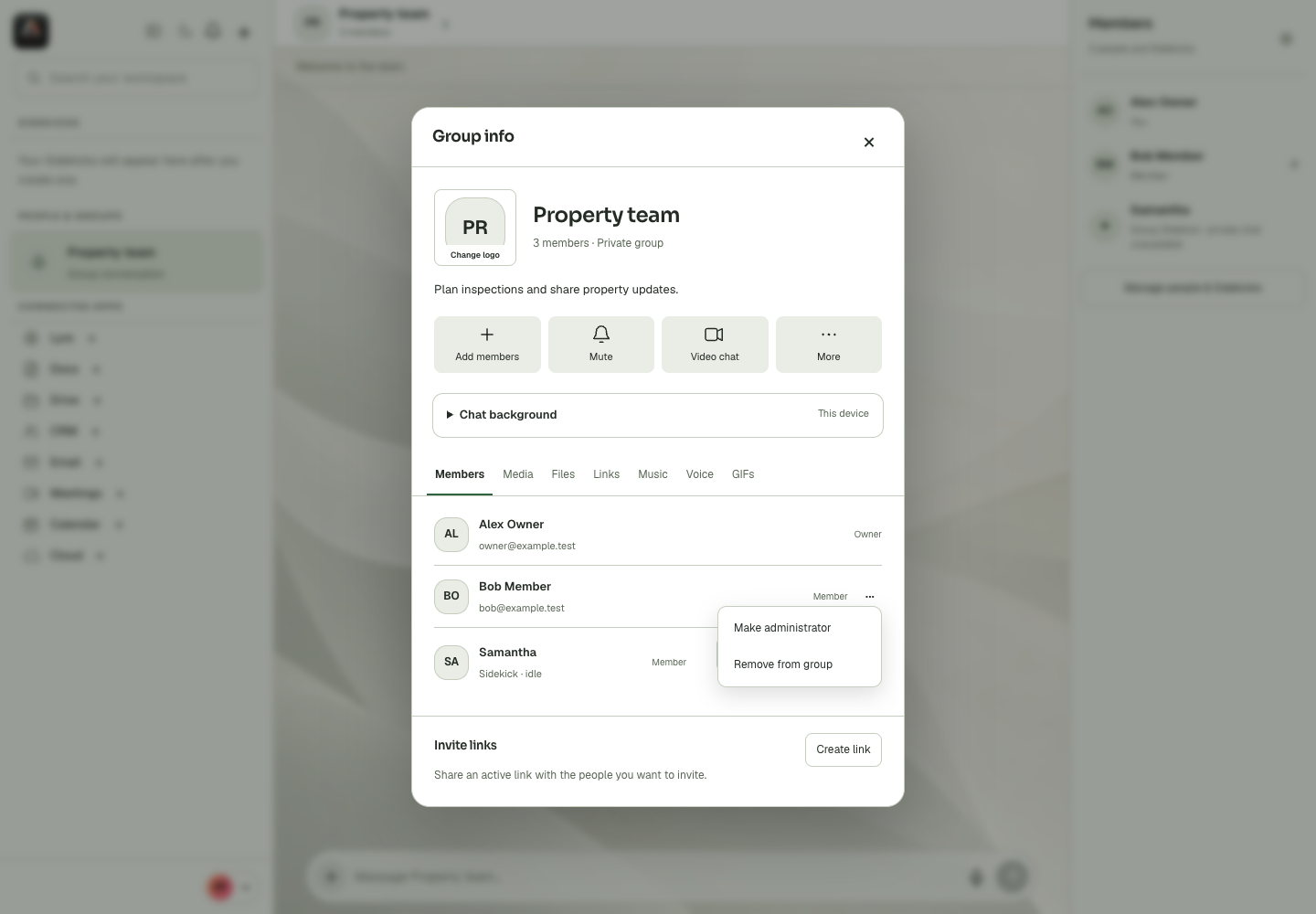
Group Member Management
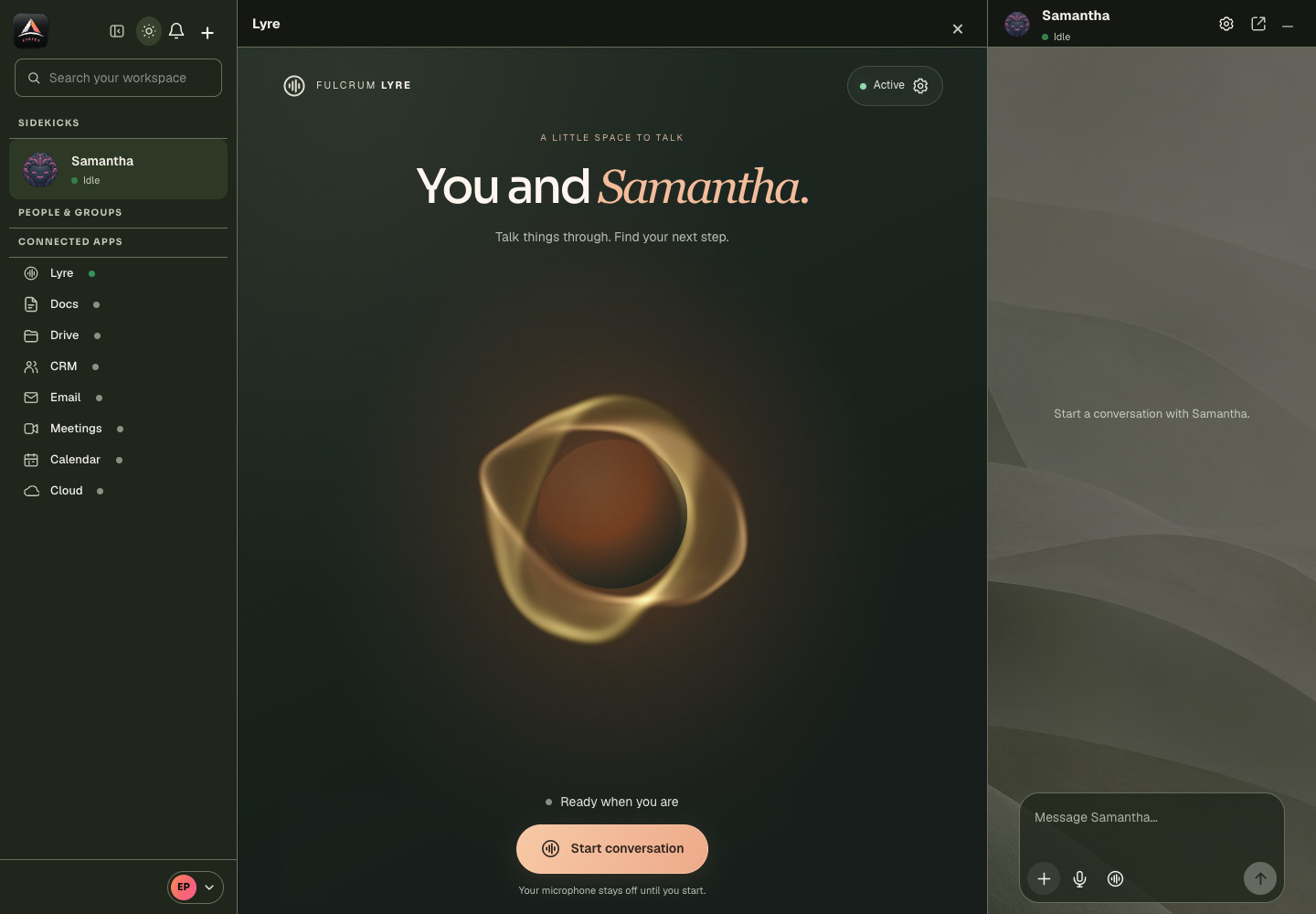
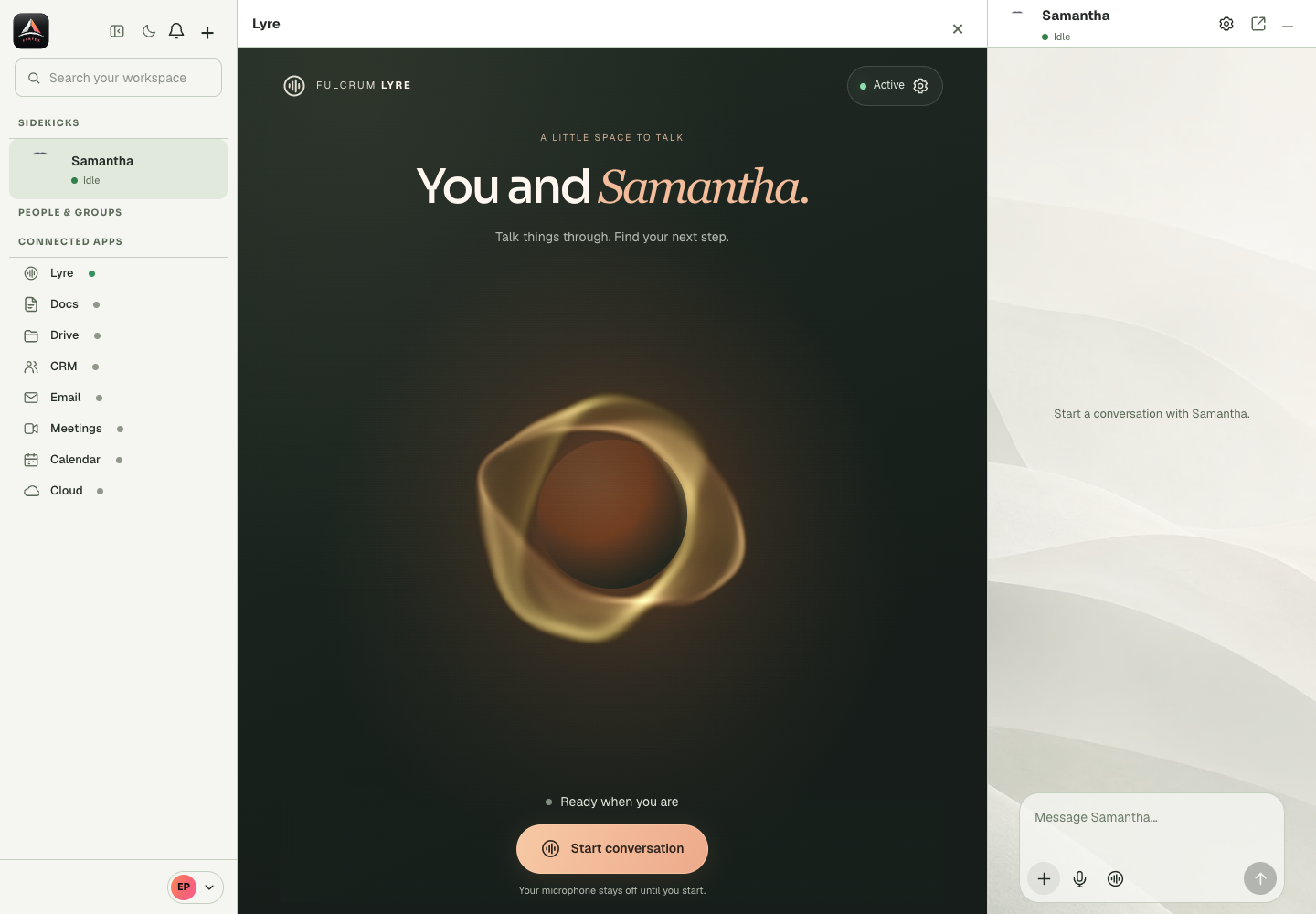
Lyre Ready
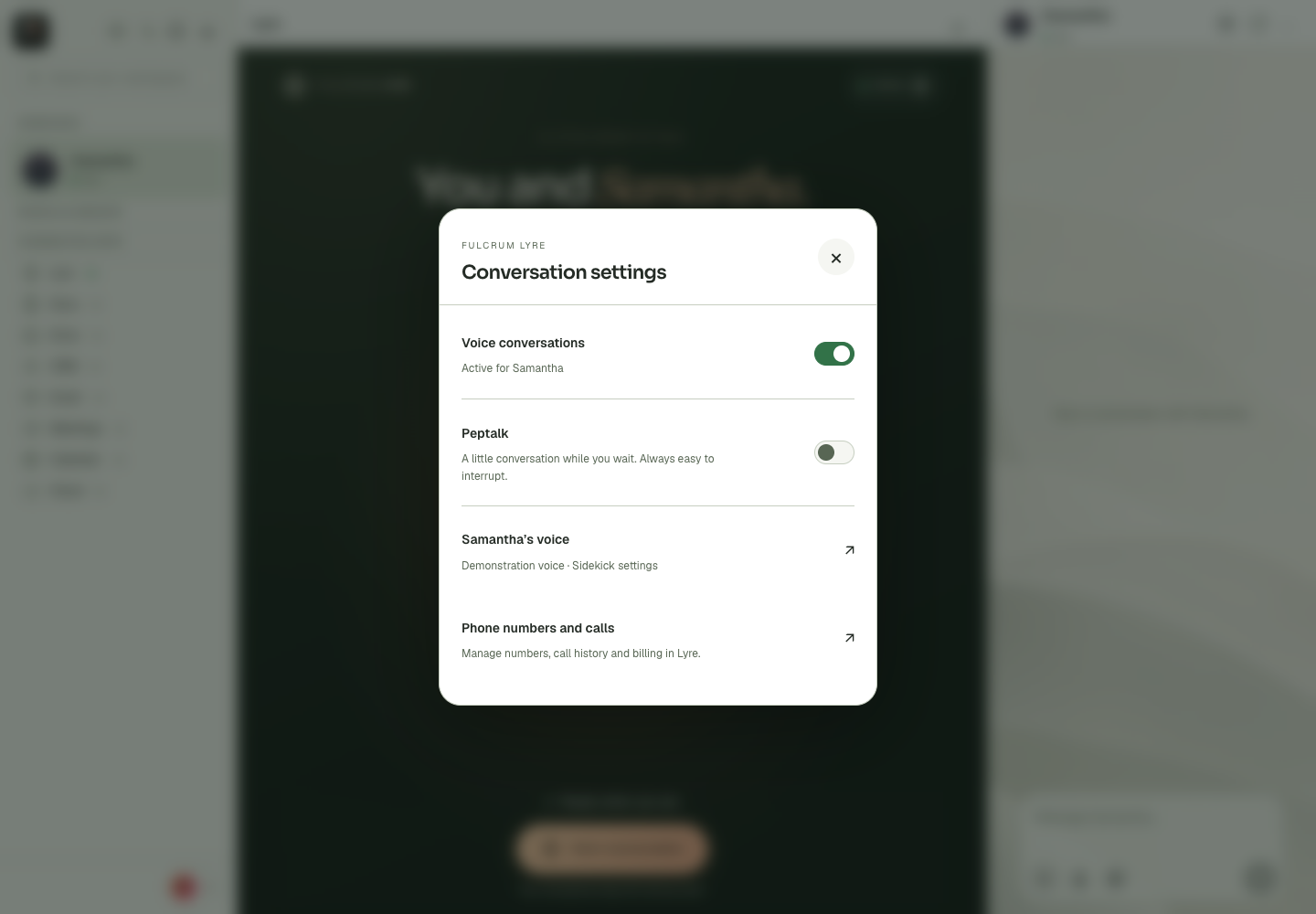
Lyre Settings Peptalk
Lyre Voice
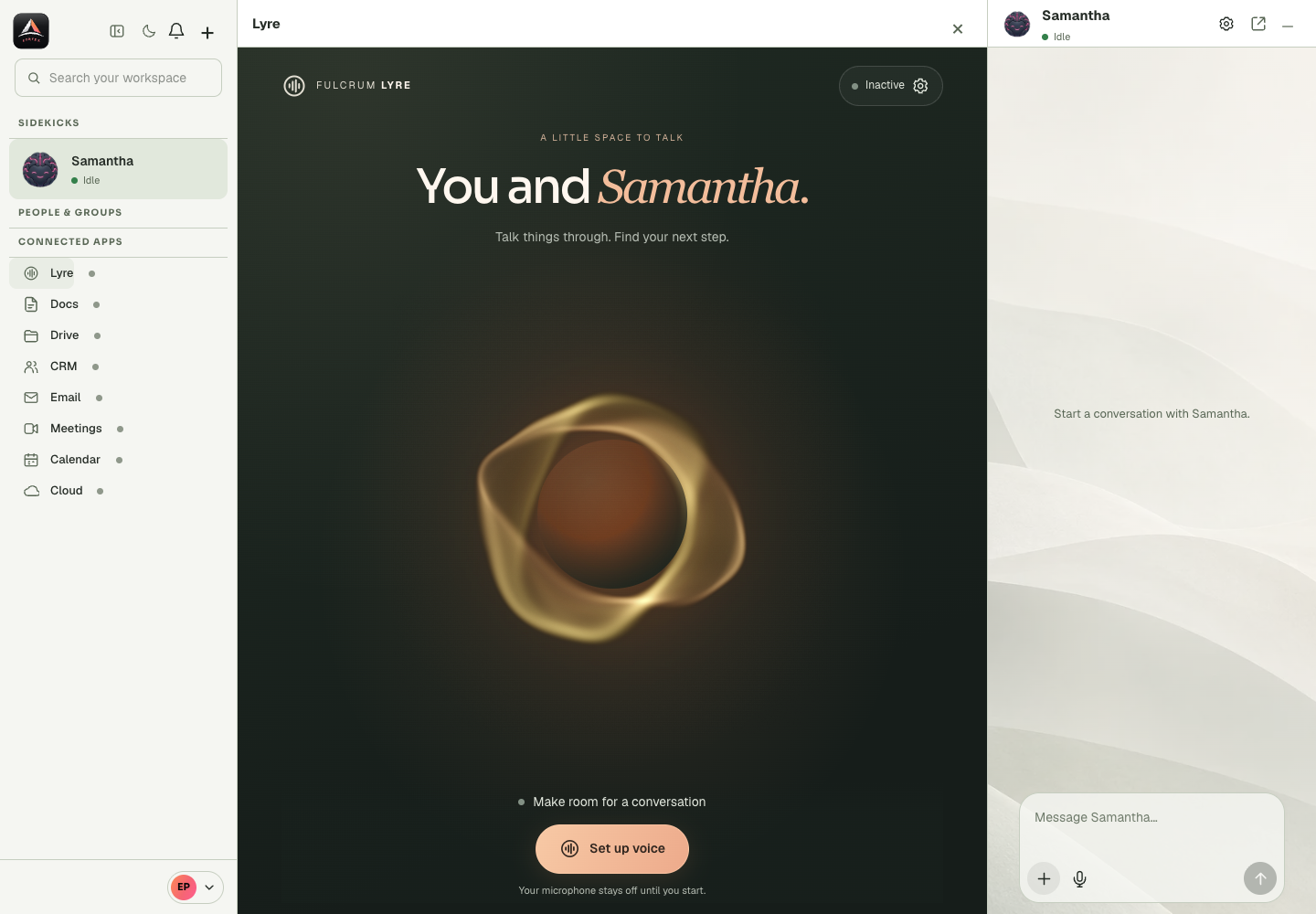
Mobile
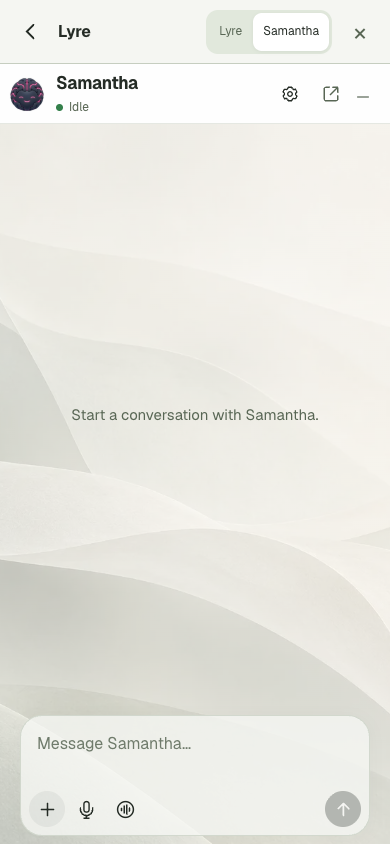
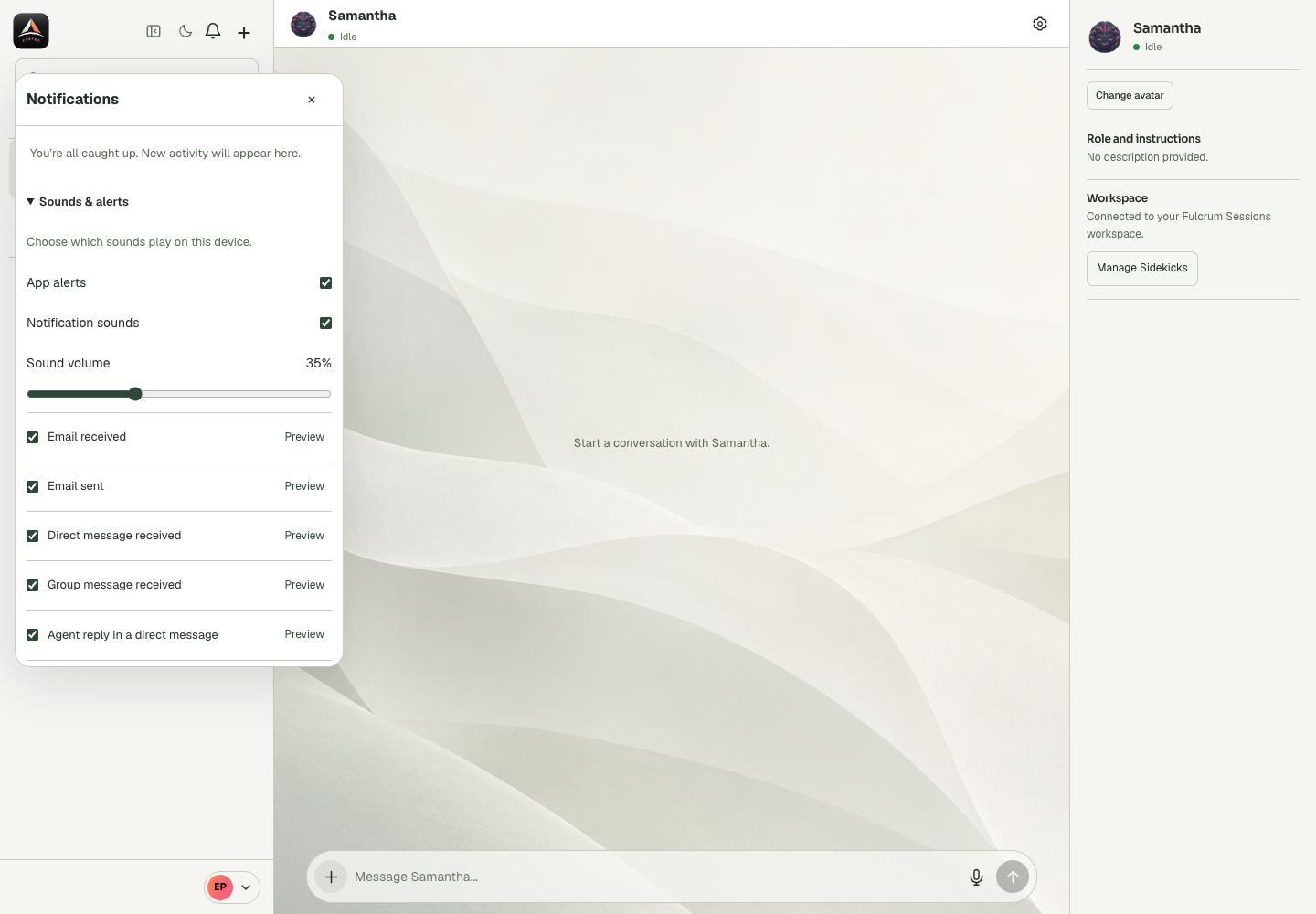
Notifications
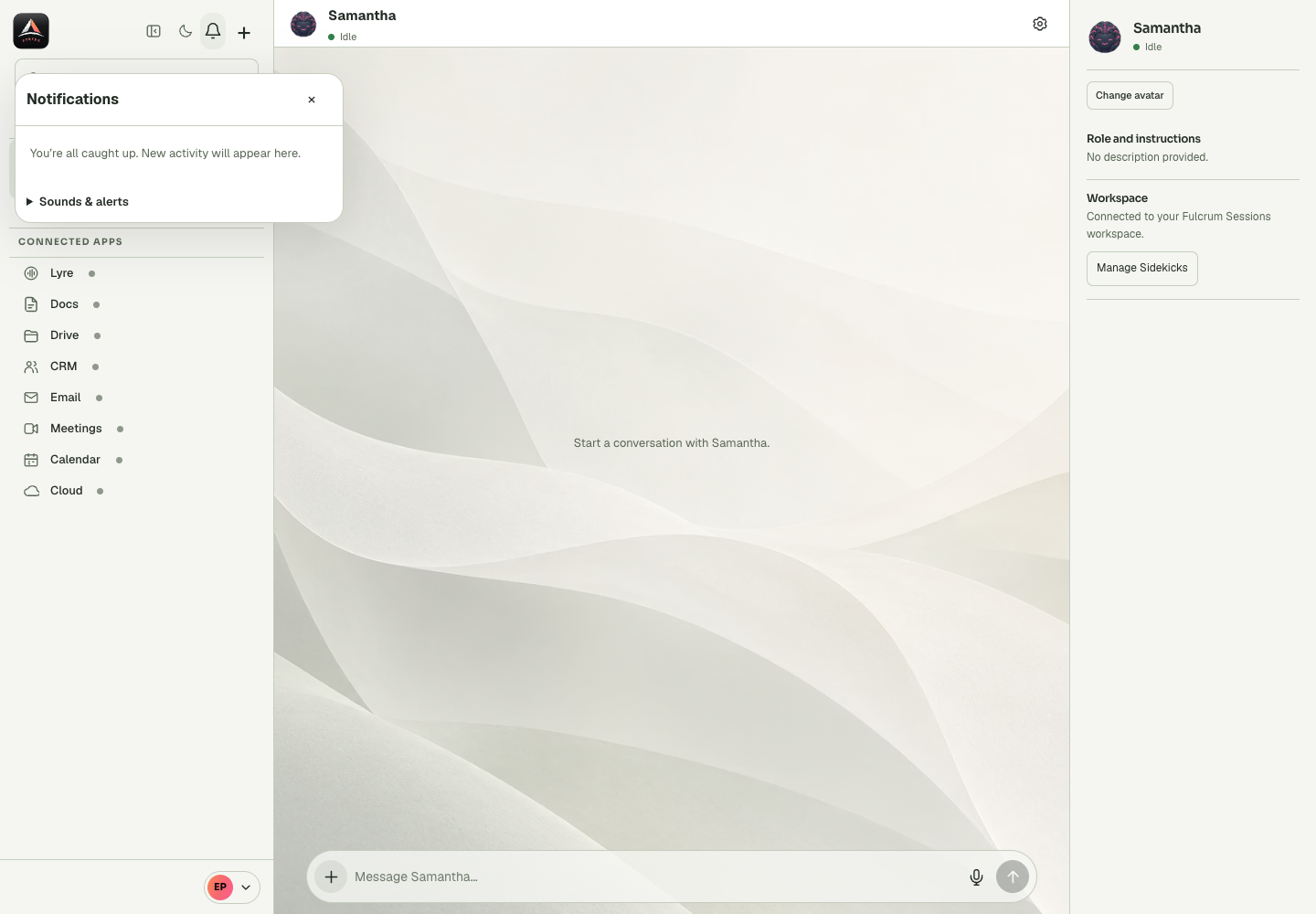
Recent Actions
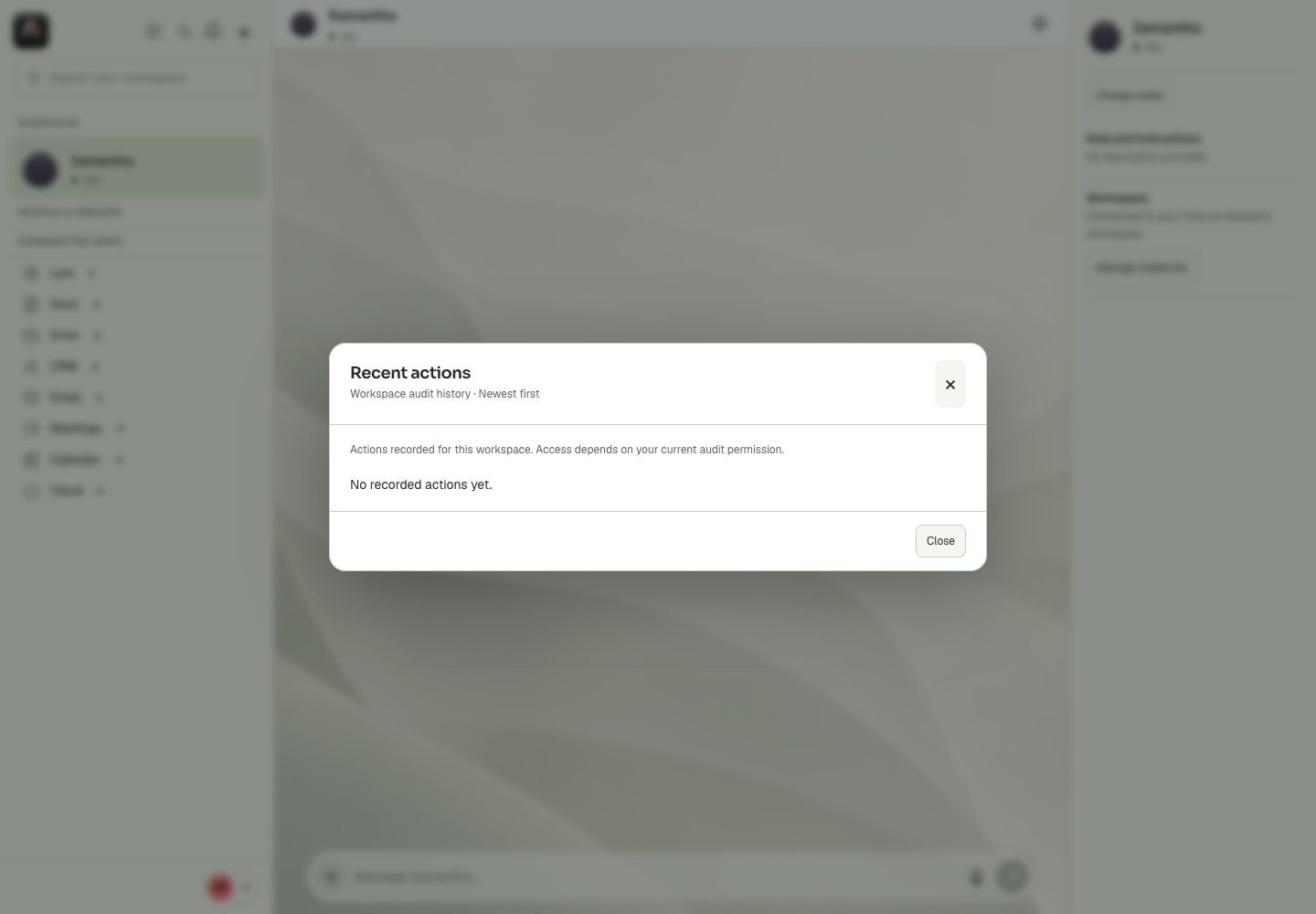
Sounds Alerts
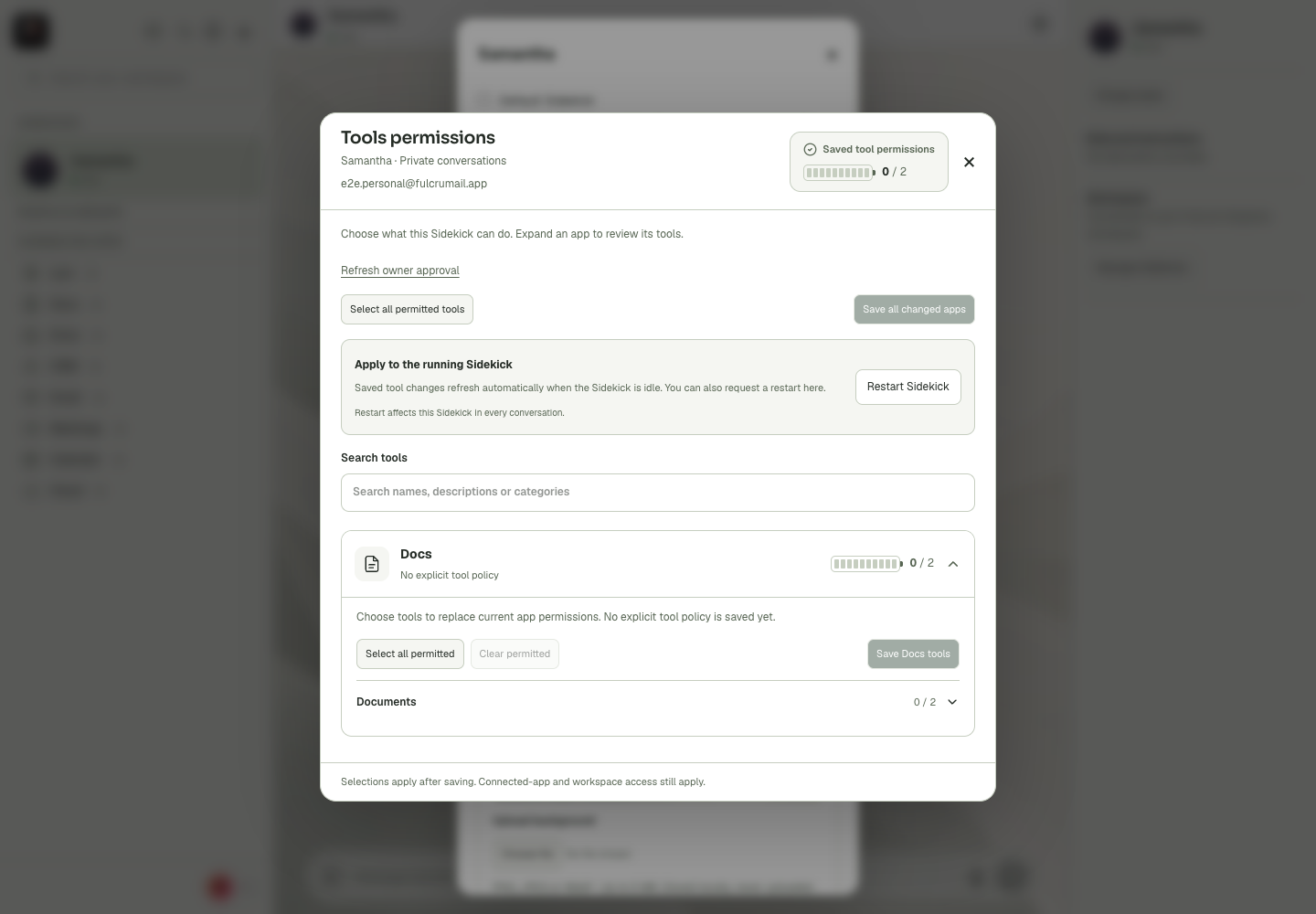
Tool Permissions
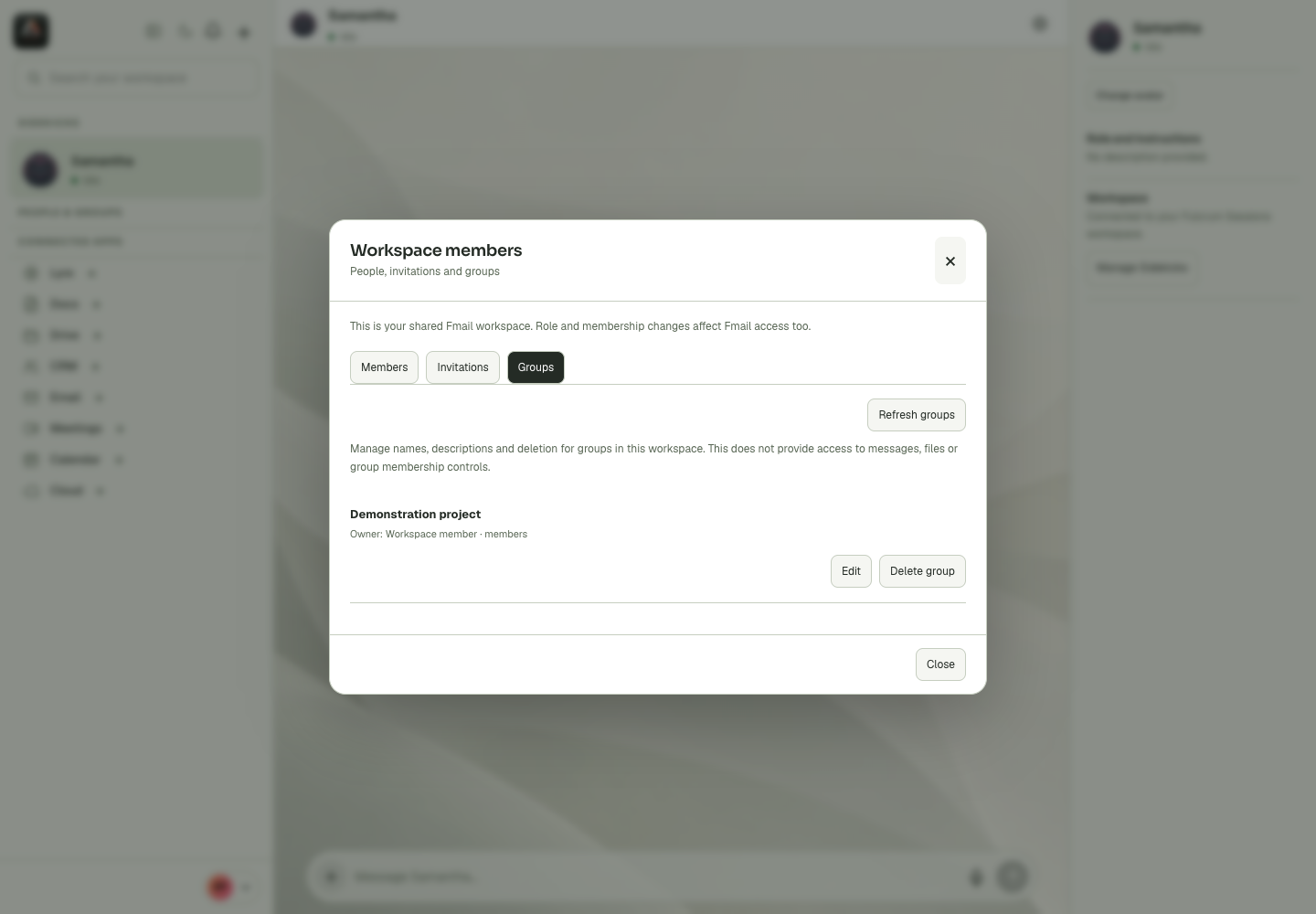
Workspace Groups
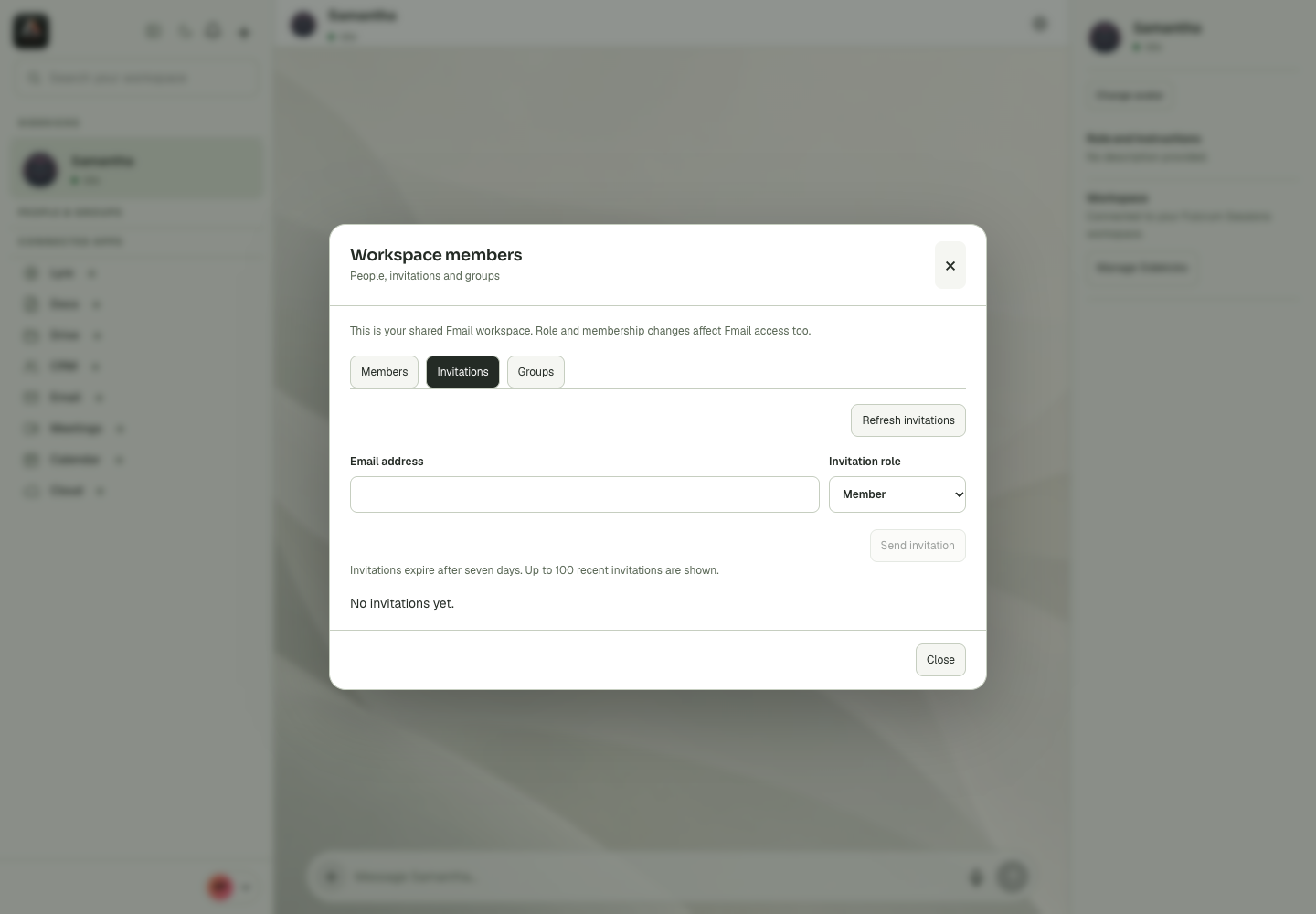
Workspace Invitations
Workspace Members
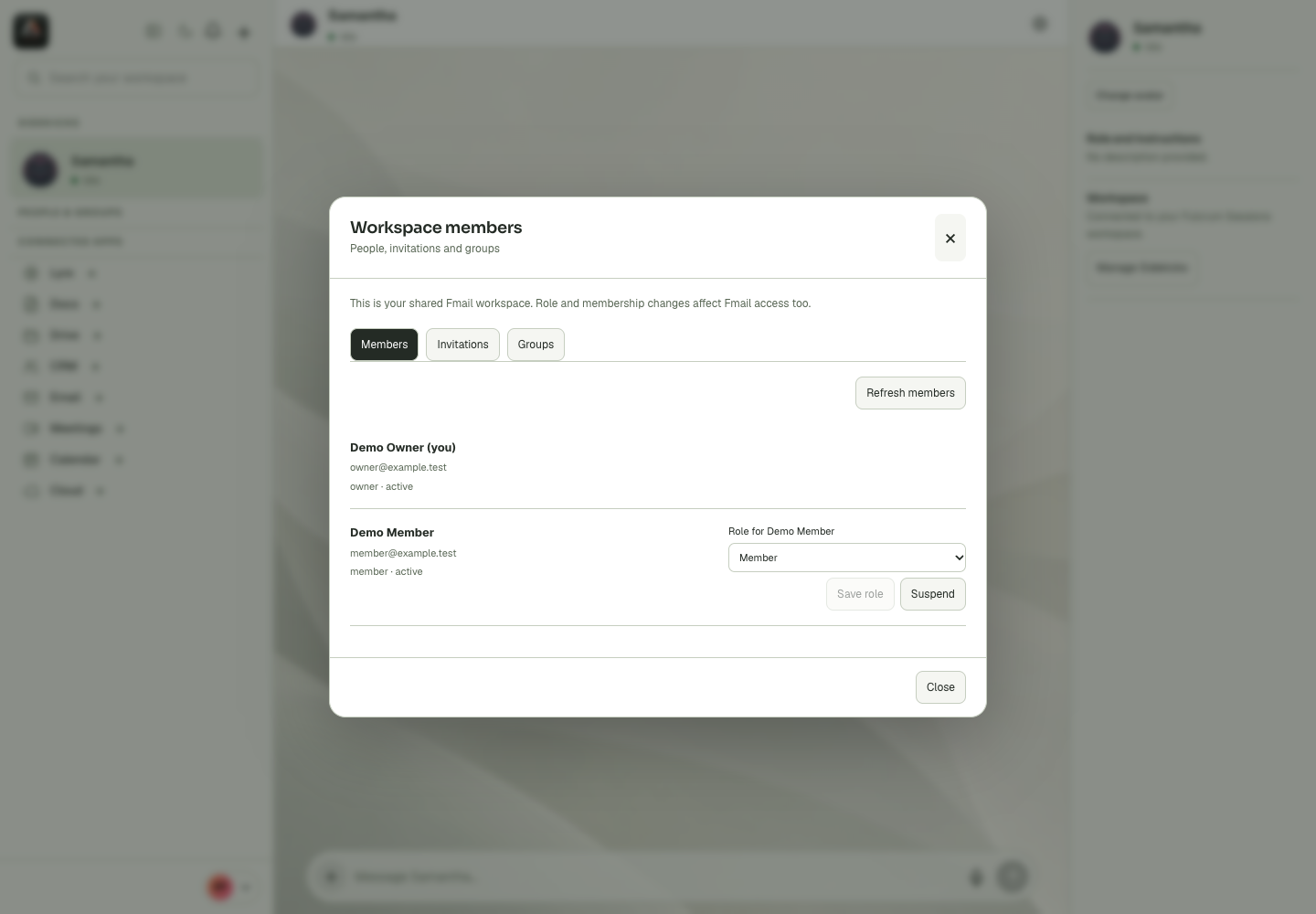
Workspace
Last updated