Fulcrum Code
Work with a coding agent to investigate a project, plan changes, edit files and run checks. Turn a business requirement into working software.
Code guides → FULCRUM CORTEX
Australian-built · humans + AI as one team
Fulcrum Cortex is the AI execution layer for business. Give your team of specialised AI agents an outcome, and coordinate their work alongside your people.
See the actual workspace
Cortex Chat brings assistants, people, groups and connected applications into one workspace. Inspect the interface, then choose a role and read the skill that guides its work.
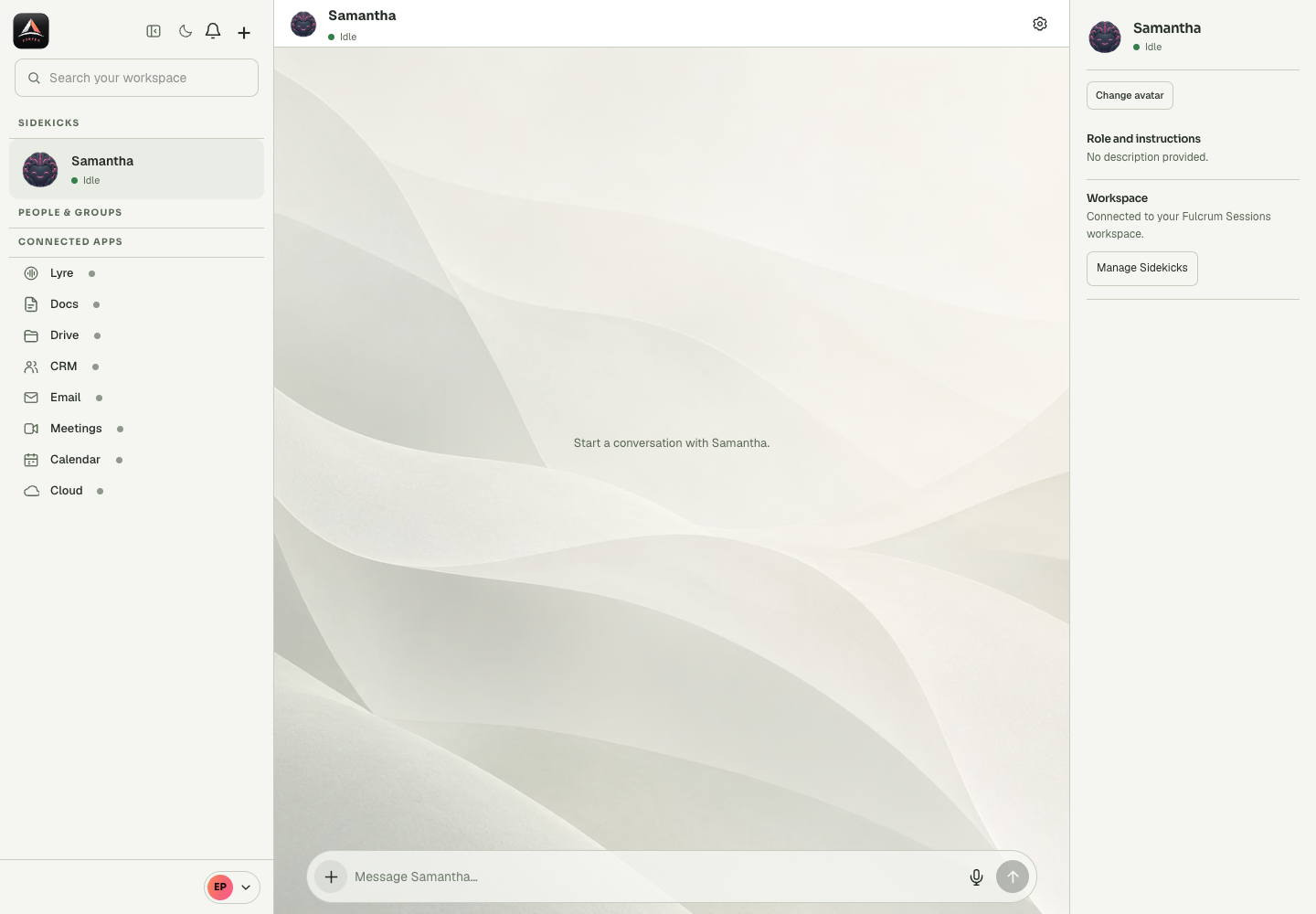
One connected team
Cortex brings marketing, outreach, campaigns, coding and business operations together. Fulcrum Sessions is the orchestrator: the place where humans and AI work as one team. Connected channels let you direct work from the chat tools your team uses.
Work with a coding agent to investigate a project, plan changes, edit files and run checks. Turn a business requirement into working software.
Code guides →Configure voice agents to answer calls, qualify enquiries and book meetings. Review the call history and follow up with context.
Lyre guides →Keep contacts, companies, deals and activities together. Give your team a shared record of the relationship and its next step.
CRM guides →20 tools that each give you one thing → Fulcrum Cortex gives you all of it under one subscription. Check the current plans for inclusions and usage.
Teach the method once
A Sidekick is an AI teammate. A skill is a reusable set of instructions that teaches that teammate how to carry out a particular kind of work. Skills capture a process: when to use it, what context to gather, which steps to follow and how to check the result.
Example: preparing a customer follow-up
Read the customer record and recent conversation. Identify the agreed next step. Draft a concise reply. Check the details against the record, then ask for approval before sending.
The starter pack includes this procedure as the fulcrum-crm-follow-up skill.
Skills guide behaviour. Connected tools and account permissions determine what an agent can actually access or change. Installing a skill does not give it access to your inbox, customer data or production systems.
Give the skill a clear purpose and describe the information it needs before work begins.
Capture the procedure, expected output and points where a person needs to review or approve an action.
Define evidence of success and what the agent should do when information is missing or a step fails.
The library has 57 skills in 8 plugins: PA core, property, hospitality, care and workforce, trades and field, professional services, web builder, and the fulcrum-sidekicks starter pack. In Claude Code, run /plugin marketplace add fulcrumcortex/sidekicks-skills, then install the packs you want, for example /plugin install fulcrum-pa-core@fulcrum-sidekicks. In Fulcrum Code, run /marketplace add https://github.com/fulcrumcortex/sidekicks-skills, then /marketplace install fulcrum-sidekicks.
Start with one useful outcome
The documentation covers accounts, workspaces, mail, calendars, booking pages, shared files, voice agents and your CRM, with a dedicated section for Fulcrum Code.