Coordination Sidekick
Coordinate a business request across people and tools with clear owners, dependencies and evidence.
See tasks and skills → FULCRUM CORTEX
Humans + AI as one team
A role describes the work an AI teammate can help with. Its skills supply the method. Your connected tools, account access and instructions determine what it can actually do.
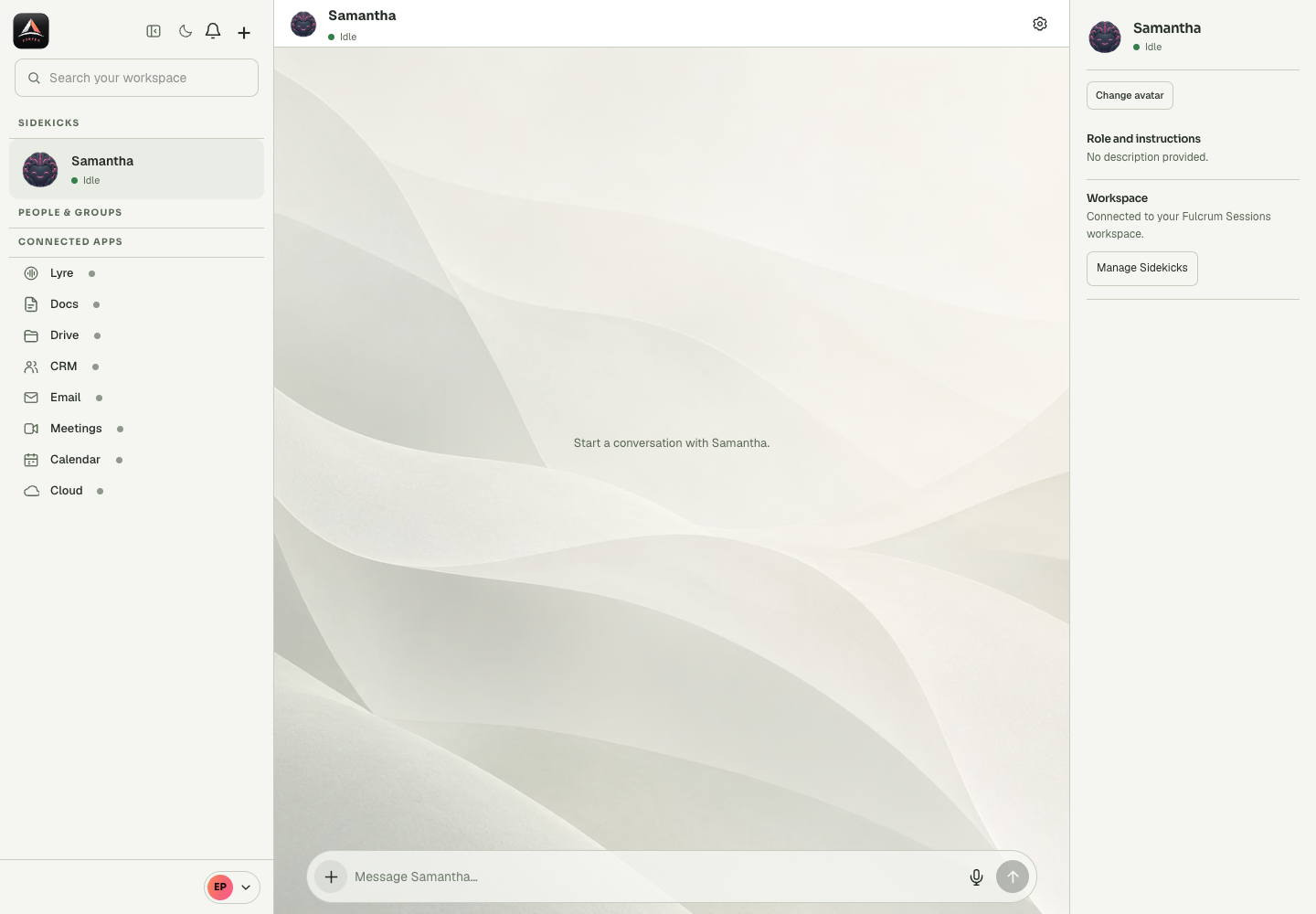
Coordinate a business request across people and tools with clear owners, dependencies and evidence.
See tasks and skills →Investigate code, make a bounded change, run the relevant checks and verify an authorised release.
See tasks and skills →Prepare grounded follow-ups and keep contact data useful without inventing commitments or merging uncertain matches.
See tasks and skills →Prepare focused Lyre agents, review what callers asked and check whether promised actions actually happened.
See tasks and skills →Triage email, prepare booking pages, extract meeting actions, review documents and manage requested file access.
See tasks and skills →Turn verified product facts into a campaign brief, practical article and channel-specific copy.
See tasks and skills →Turn a delivery brief into a practical plan with dependencies, acceptance criteria and a visible handoff.
See tasks and skills →Prepare a constrained spatial brief and, when connected, review a concept in the editable CAD model.
See tasks and skills →Draft a private update from supplied context without assuming access to encrypted conversations or keys.
See tasks and skills →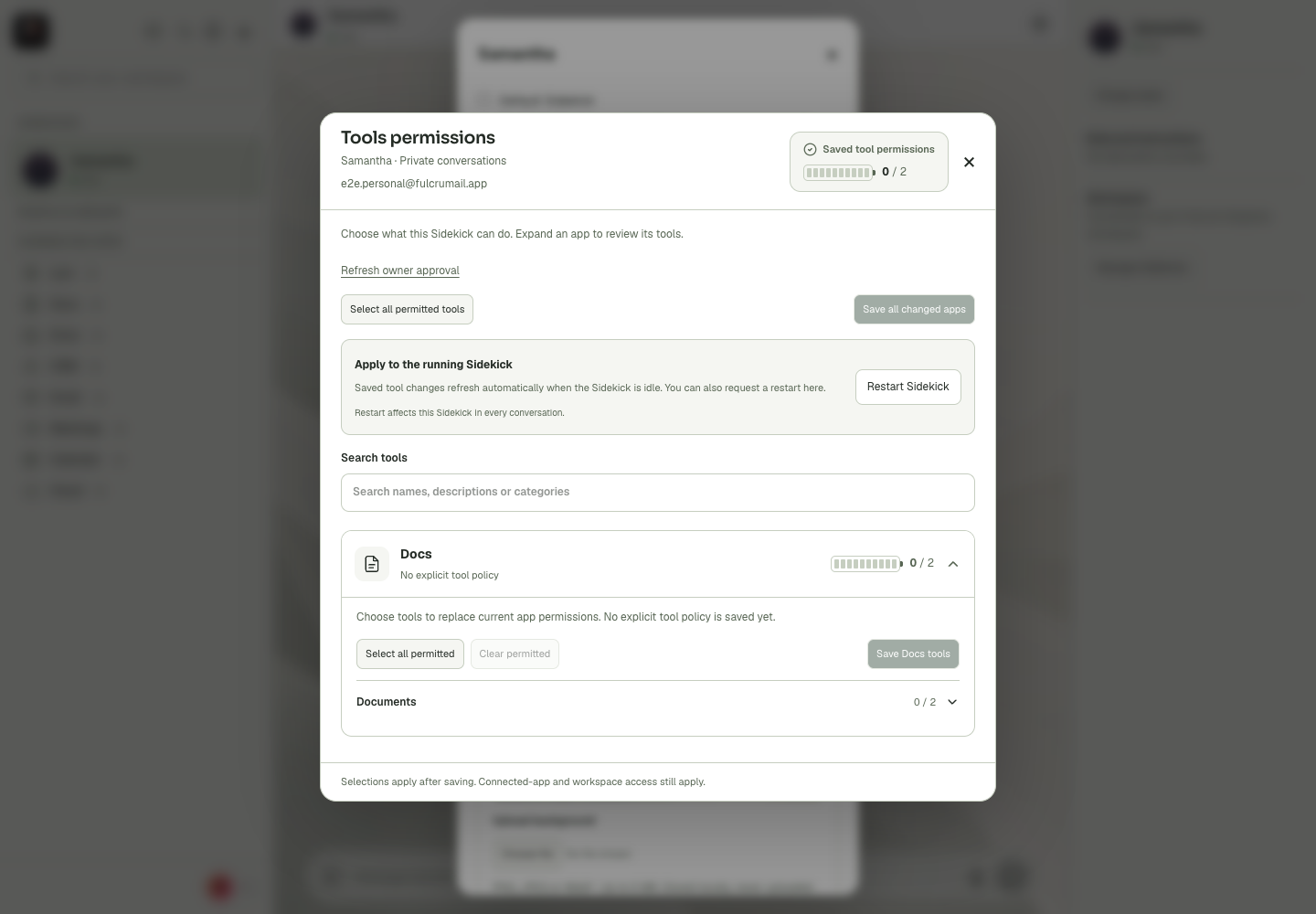
Read the complete Cortex Chat guides for voices, permissions, groups, apps, Wallet and recovery.