 FULCRUM CORTEX
What a Sidekick skill actually gives your AI teammate
A practical distinction between instructions, tools and verified outcomes, with examples from the public Fulcrum skill library.
Start with a method, not a job title
Calling an assistant a sales expert says little about the work it should perform. A useful skill describes a method: which information to read, what decision to make, which actions fit the request and how to check the result. That makes the work easier to explain and review.
In Fulcrum Cortex, a Sidekick is an AI teammate. Cortex is the execution layer for business, and Sessions is the orchestrator for humans and AI working together. Skills help a teammate approach a particular kind of task consistently. They do not replace the user’s judgement about the intended outcome.
A customer follow-up is a useful example
Consider an enquiry that needs a reply. A weak request says, “Handle this lead.” A more useful procedure identifies the contact, reads the latest conversation, checks what has already been promised and prepares the next action. If the user asked for a draft, the result stays a draft. If a send was already authorised, the workflow checks the intended mailbox and recipient, sends through the supported connection and verifies the saved result.
That distinction prevents a procedure from silently expanding the assignment. A good skill should preserve the scope the user chose rather than stopping at every routine step or treating every task as permission to act everywhere.
Instructions and access are separate
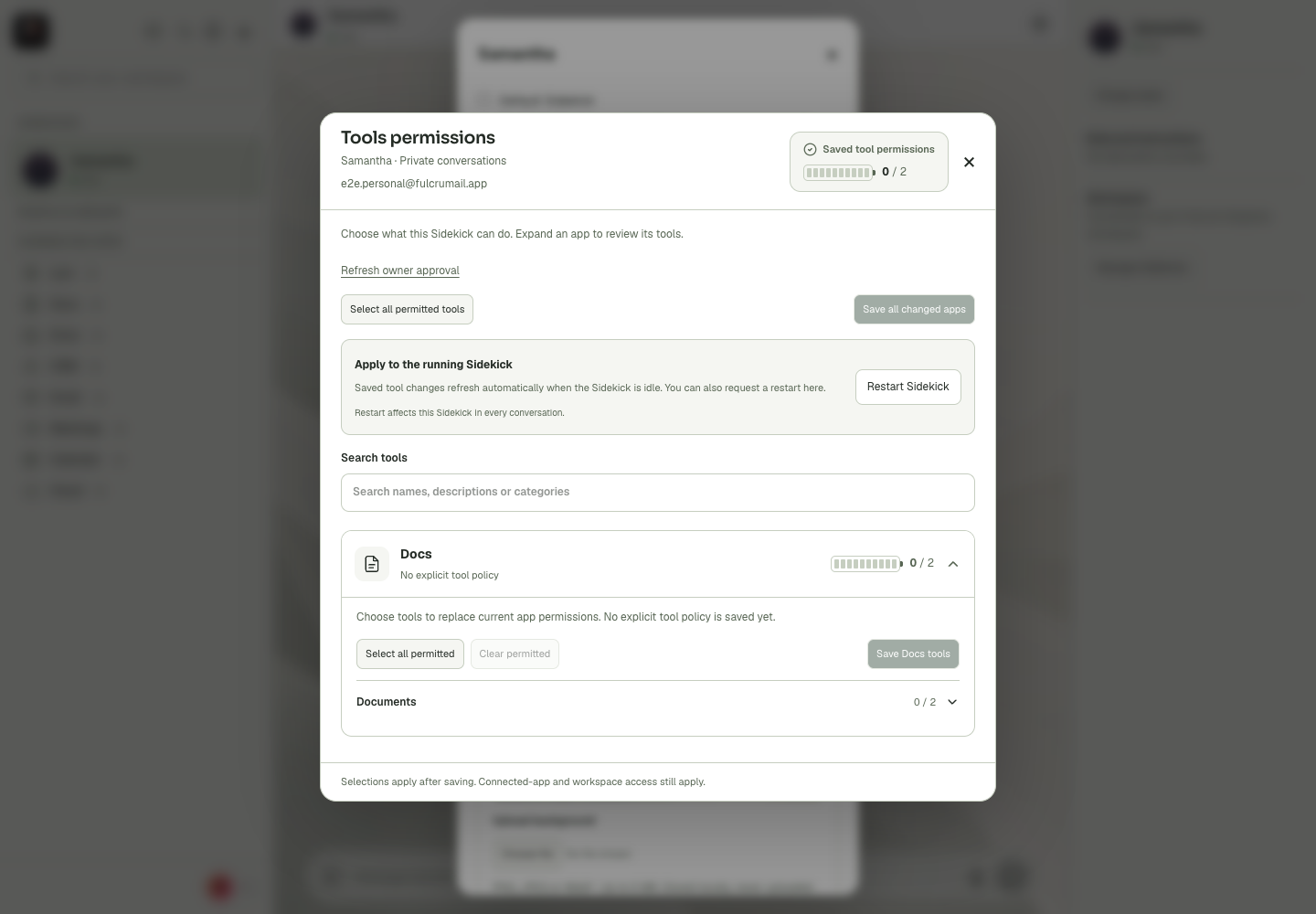
A skill cannot make an unavailable integration appear. The assistant still needs an actual tool connection, the appropriate account and a saved permission for the requested operation. Cortex Chat exposes these layers through connected-app settings and tool permissions. Private and group contexts can have different policies.
For email, reading a thread, creating a draft and sending a message are different capabilities. An assistant may be able to help with one and be intentionally unable to perform another. Diagnose the missing layer rather than granting every tool to clear one error.
Ask for evidence appropriate to the task
A message saying a meeting was booked is not the same as a confirmed destination event. A source-code edit is not the same as a release verified live. The relevant evidence depends on the outcome: a saved document, a contact activity, a sent item, a booking confirmation or the deployed revision.
A timeout is also ambiguous. Before retrying a send, booking or payment, inspect its destination. The first attempt may have succeeded even though the response did not reach the conversation. A reusable procedure should make that reconciliation part of the method.
Try one focused skill
The public Fulcrum starter library contains 17 skills across nine roles. It covers coordination, software changes, releases, CRM follow-up and cleanup, voice-agent preparation, call review, inbox work, bookings, meeting actions, documents, file sharing, Wallet checks, campaigns, delivery planning, CAD briefs and private-message drafts.
Start with one task you can judge. Read its SKILL.md, supply the relevant context and ask for a result you can verify. Install the library through the Fulcrum Code marketplace, then use /skills to find a procedure for your task.
Read the practical references
Also published on Hashnode.